Nyaa archive 2179788
[Ironclad] Sasaki to Pii-chan - S02E04 [WEB.1080p.AV1] | Sasaki and Peeps (Multi-Subs) (Weekly)
Saved on 2026-10-28 15:41:40. This copy includes the description and comments available at capture.
Description
 |
|---|
| Even though Sasaki's droll corporate life is constantly filled with work, it leaves him tired and unfulfilled at the end of every day. In search of some companionship to fill the emptiness in his life, he visits a pet shop on a whim, not realizing he's about to change his life forever. After settling on an adorable bird and bringing it home...his new roommate reveals that it's actually an incredible sage from another world who promptly bestows Sasaki with supernatural powers as well as the ability to cross between worlds. All Sasaki wants to do is use these newfound powers to live in peace and comfort, but there are more than a few colorful characters who might get in the way of that... |
| Video | ToonsHub |
|---|---|
| FGS | svt-av1: --film-grain 6-30 --adaptive-film-grain 1 |
| Audio | opusenc (libopus 1.6.1): --bitrate 128 JPN |
| Subtitles | ENG, SPA-LA, SPA, ARA, FRE, GER, ITA, POR-BR, IND, THA, CHI, CHI-TR, VIE, RUS, MAY |
| Chapters | ToonsHub |
| Target CVVDP + Butteraugli 3-norm | scene score: 9.6, model: trix_fhd + max: 1.3, intensity target: 203.0 |
| Encoder | SVT-AV1 5fish v2.3.261021: --crf 16.0-36.0 --preset 2 --lineart-psy-bias 5 --texture-psy-bias 3 --noise-psy-bias 0 --balancing-luminance-q-bias 0 --enable-tf 2 --tile-columns 1 --fast-decode 2 + ROI Maps |
| Filters | Denoise with vs-denoise: nlm: h=0.4, tr=2, a=[3,2,2], planes=[0,1,2], dering with vs-dehalo: rx=2 |
| Source | Encode |
|---|---|
 |
 |
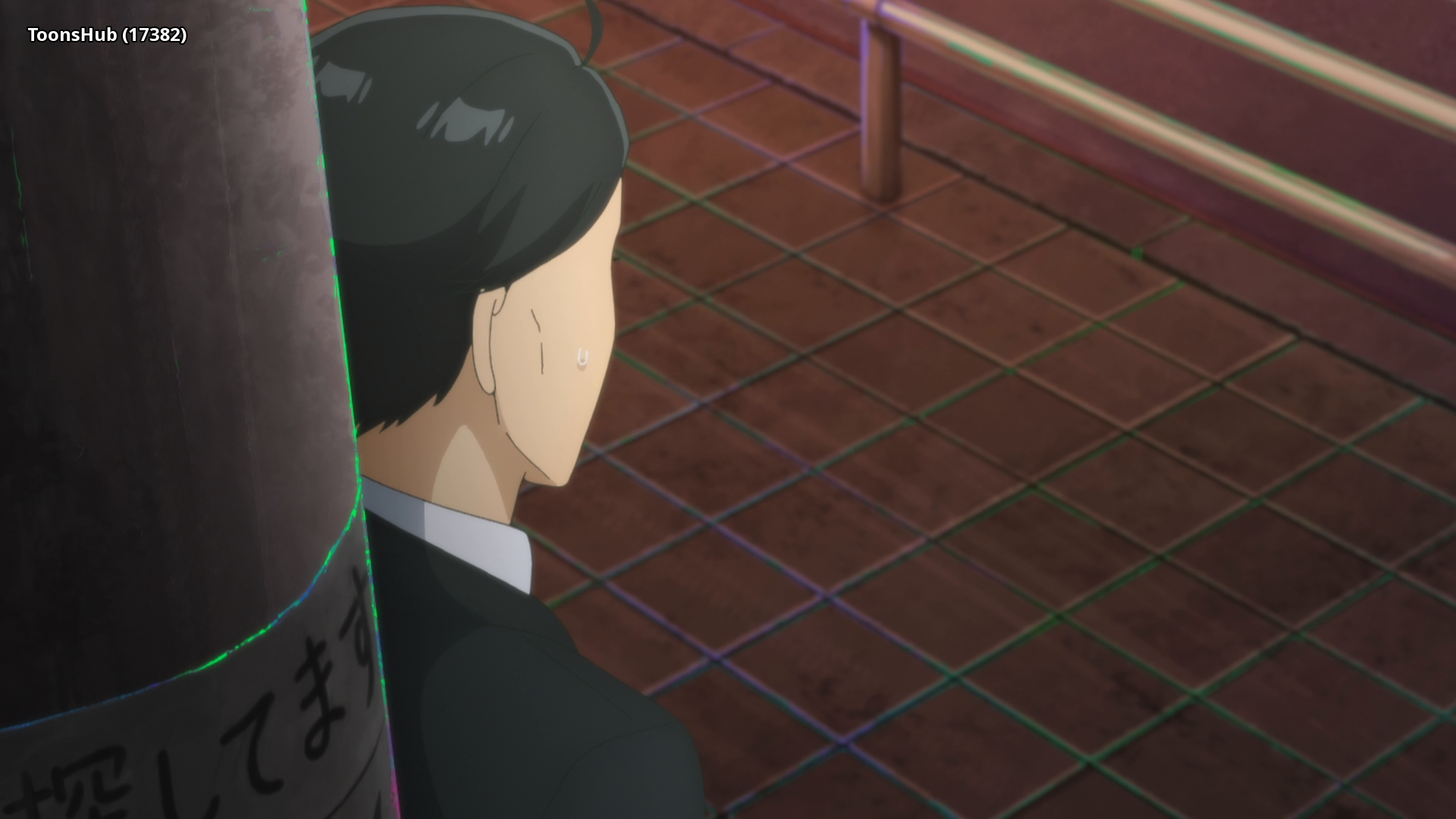 |
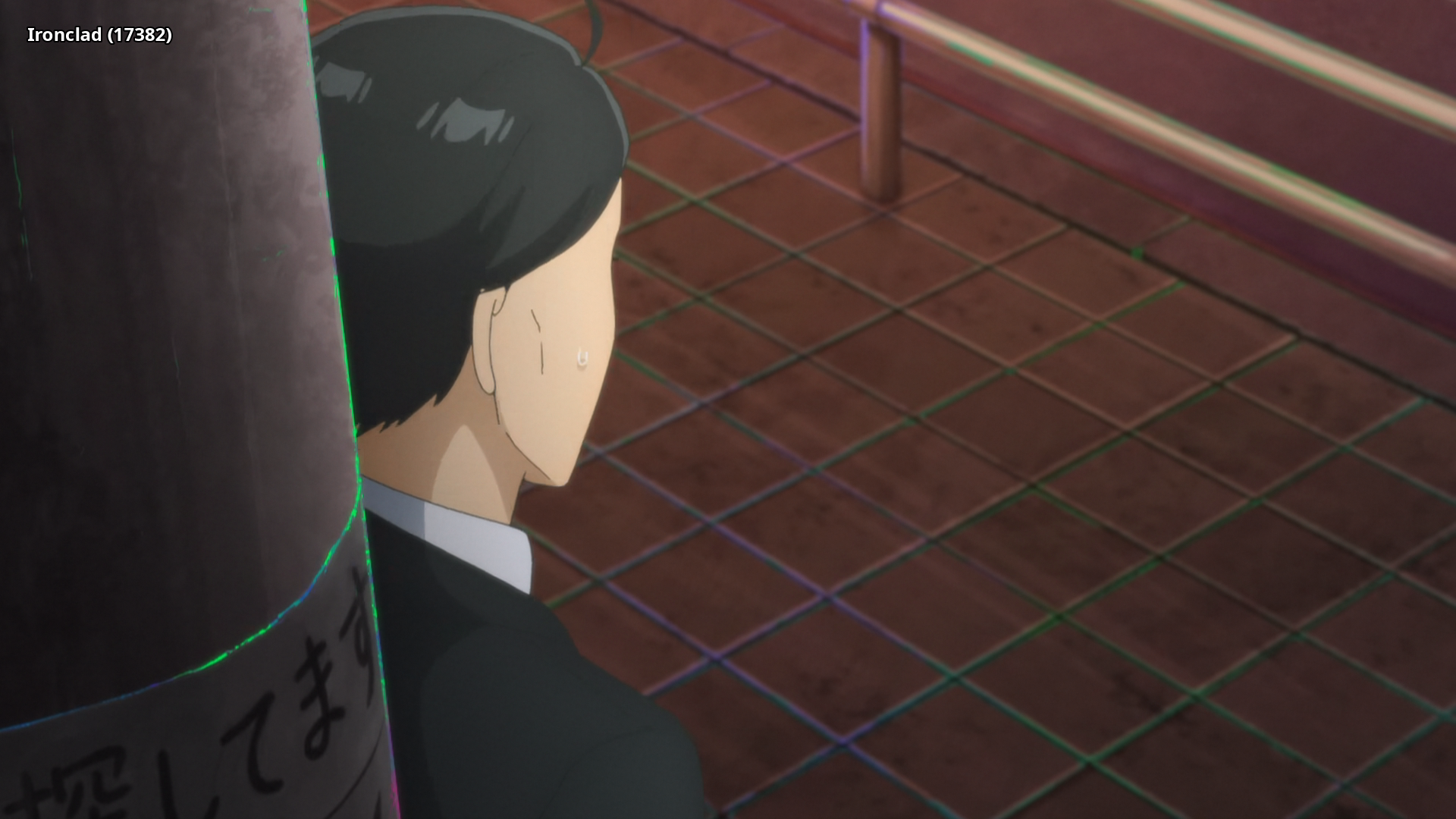 |
 |
 |
Interested in AV1?: Discord
Recommended players: MPV, MPC-HCLanguage Options: You can download here two scripts that do the following (Windows/macOS-Linux):
Keep Japanese: Throws out all audio tracks other than Japanese
Keep English: Throws out all audio and subtitles tracks other than English
Put all the video files into the Language Options folder and run the corresponding script. The resulting files can be found in the output folder.Note: MKVToolNix must be installed on your system and added to PATH
Comments 0
No comments at capture.