Nyaa archive 2167940
[Ironclad] Tensei Shitara Ken Deshita - S02E01 [WEB.1080p.AV1] | Reincarnated as a Sword (Multi-Subs) (Weekly)
Saved on 2026-10-01 00:51:40. This copy includes the description and comments available at capture.
Description
 |
|---|
| Reincarnated as a sentient weapon with memories of his past life, but not his name, a magical sword saves a young beastgirl from a life of slavery. Fran, the cat-eared girl, becomes his wielder, and wants only to grow stronger, while the sword wants to know why he is here. Together, the strange duo's journey has only just begun! |
| Video | ToonsHub, VARYG, ToonsHub |
|---|---|
| Audio | opusenc (libopus 1.6.1): --bitrate 128 JPN |
| Subtitles | ENG, FRE, GER, JPN, POL, IND, THA, CHI, CHI-TR, VIE, MAY |
| Chapters | VARYG |
| Target CVVDP + Butteraugli 3-norm | scene score: 9.6, model: trix_fhd + max: 1.3, intensity target: 203.0 |
| Encoder | SVT-AV1 5fish v2.3.260827: --crf 16.0-32.0 --preset 2 --lineart-psy-bias 5 --texture-psy-bias 3 --noise-psy-bias 0 --balancing-q-bias 0 --qp-scale-compress-strength 3 --enable-tf 2 --tile-columns 1 --fast-decode 2 + ROI Maps |
| FGS | svt-av1: --film-grain 4-49 --adaptive-film-grain 1 / svt-av1: --photon-noise 7650-13200 VARYG |
| Filters | Frequency merge with vs-denoise, denoise with vs-denoise: dfttest: {0.0: 0.3, 0.4: 0.3, 0.6: 0.6, 0.8: 1.5, 1.0: 2.0}, tr=2, planes=[0,1,2] / bm3d: sigma=6, tr=2, profile=bm3d.Profile.FAST, planes=0 + nlm: h=0.6, tr=2, a=2, planes=[1,2] + mc_degrain: prefilter=Prefilter.DFTTEST, preset=MVToolsPreset.HQ_SAD, thsad=100 |
| Rescale | Rescale with vodesfunc: height=936.0, width=1664.0, kernel: AdobeBicubic, double with vs-scale: ArtCNN.R8F64, downscale with vs-kernels: Hermite(linear=True) |
| Source | Encode |
|---|---|
 |
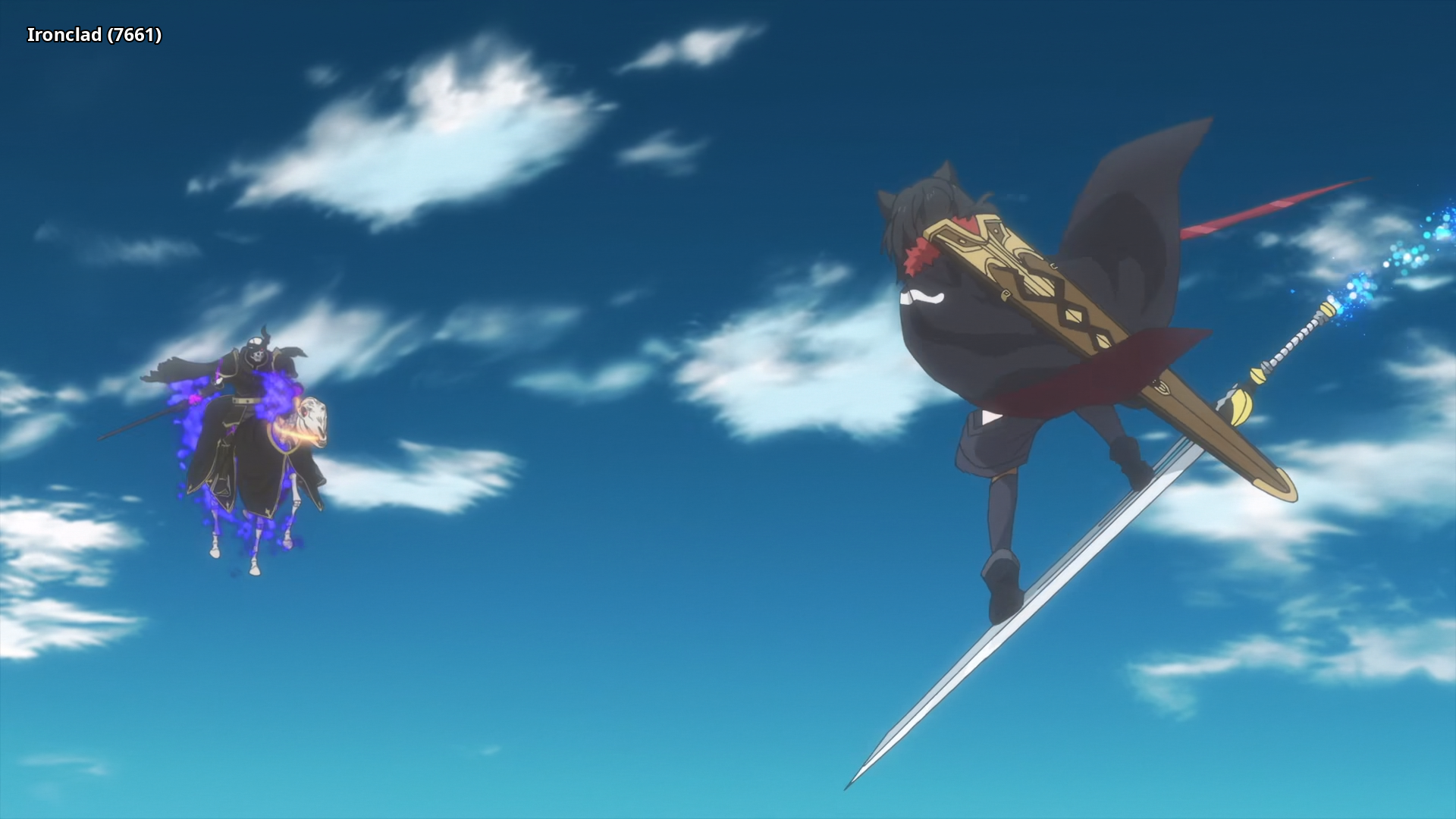 |
 |
 |
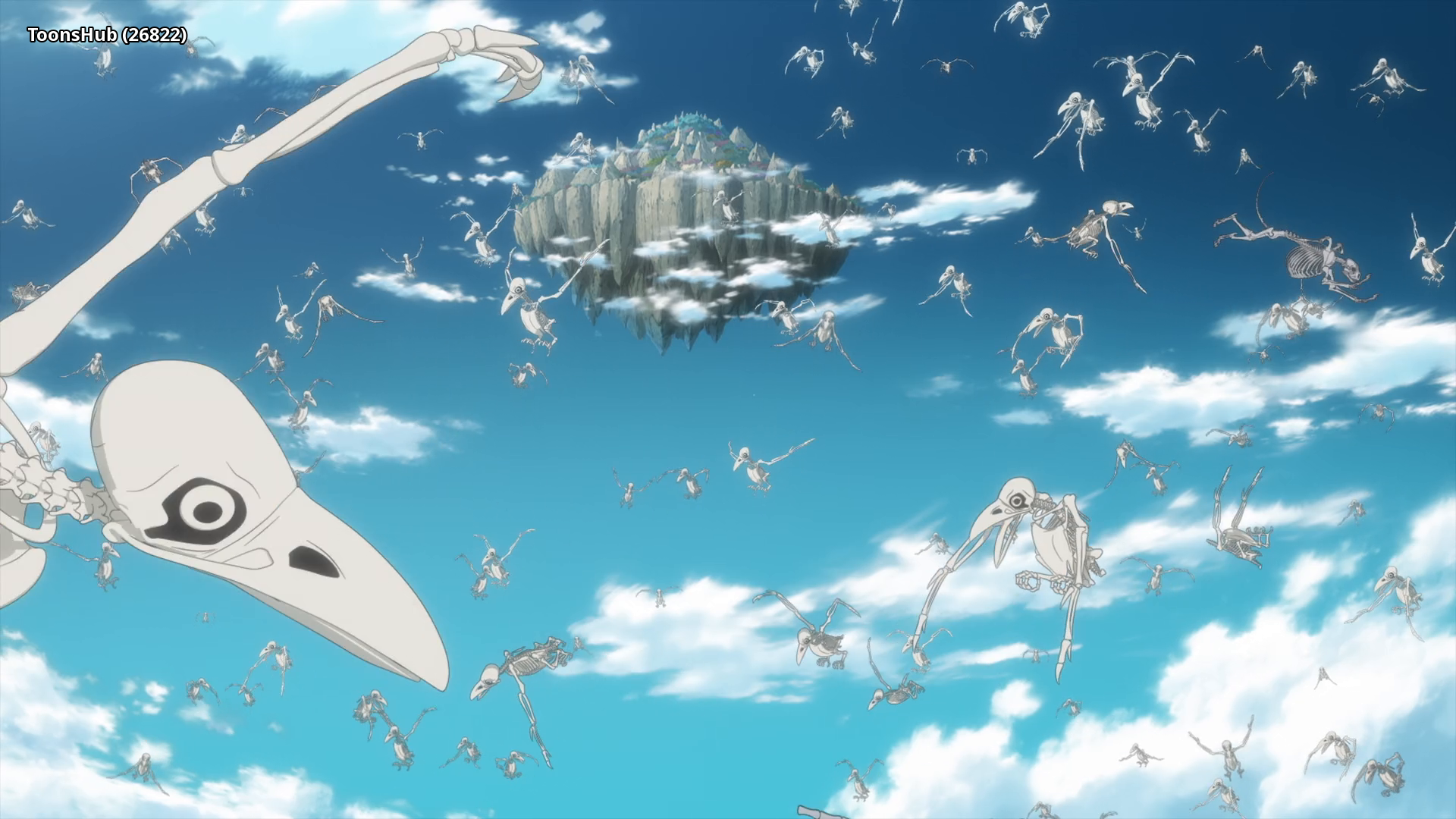 |
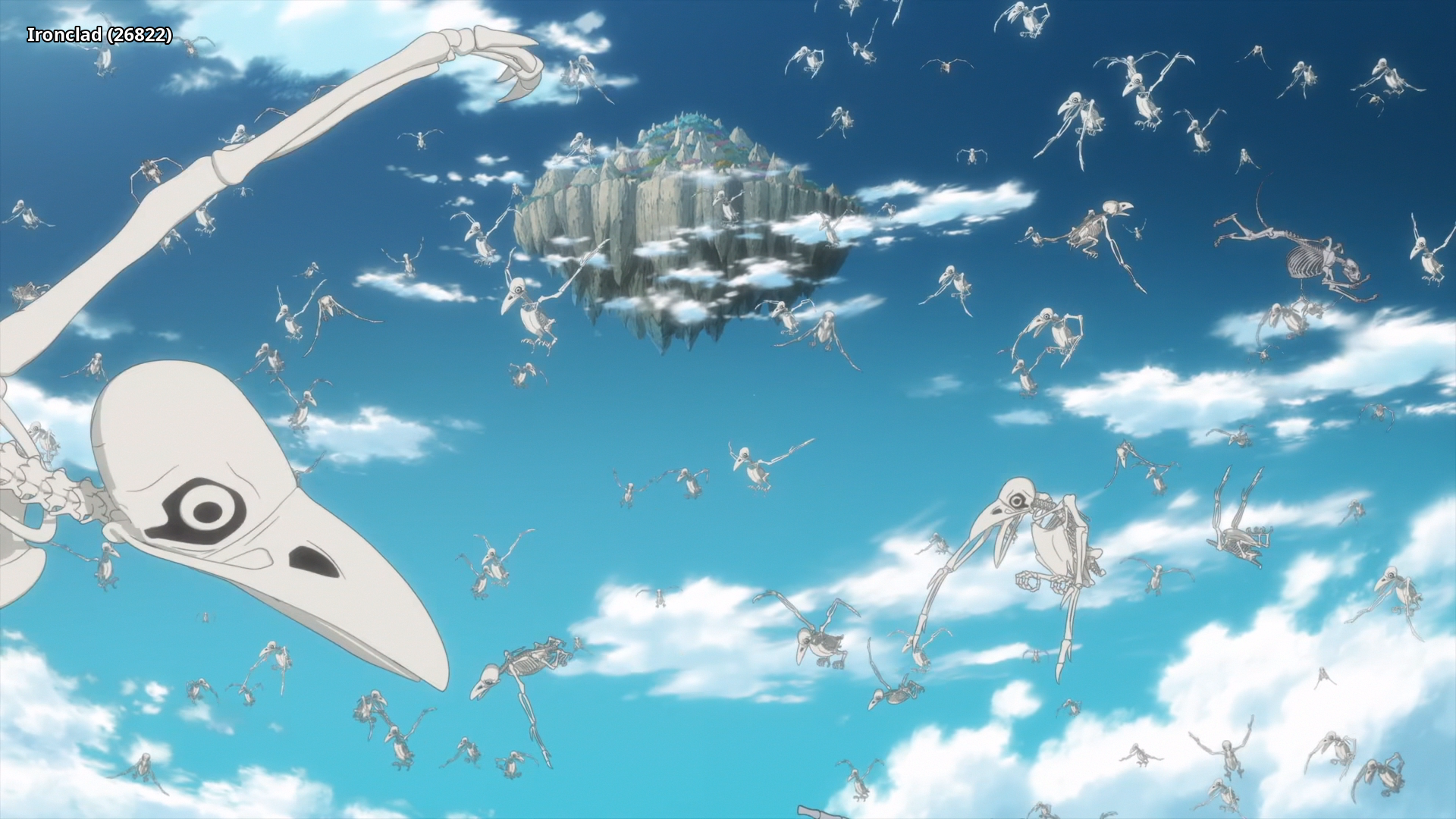 |
Interested in AV1?: Discord
Recommended players: MPV, MPC-HCLanguage Options: You can download here two scripts that do the following (Windows/macOS-Linux):
Keep Japanese: Throws out all audio tracks other than Japanese
Keep English: Throws out all audio and subtitles tracks other than English
Put all the video files into the Language Options folder and run the corresponding script. The resulting files can be found in the output folder.Note: MKVToolNix must be installed on your system and added to PATH
Comments 0
No comments at capture.