Nyaa archive 2146196
[Ironclad] Ryoumin 0-nin Start no Henkyou Ryoushu-sama - S01E07 [WEB.1080p.AV1] | The Frontier Lord Begins with Zero Subjects (Multi-Subs) (Weekly)
Saved on 2026-09-16 01:40:56. This copy includes the description and comments available at capture.
Description
 |
|---|
| The war is over, and hero Dias is finally rewarded with land of his own—only to discover it's a barren frontier with no people, no villages, and no sign of civilization. With nothing but endless grassland ahead of him, Dias sets out to build a domain from the ground up. But after meeting Alna, a mysterious girl with a blue horn, his lonely frontier is about to spring to life. |
| Video | ToonsHub |
|---|---|
| Audio | opusenc (libopus 1.6.1): --bitrate 128 JPN |
| Subtitles | ENG, SPA-LA, SPA, ARA, FRE, GER, ITA, POR-BR, IND, THA, CHI, CHI-TR, VIE, MAY |
| Chapters | ToonsHub |
| Target CVVDP + Butteraugli 3-norm | scene score: 9.6, model: trix_fhd + max: 1.3, intensity target: 203.0 |
| Encoder | SVT-AV1 5fish v2.3.260719: --crf 18.0-34.0 --preset 2 --lineart-psy-bias 3 --texture-psy-bias 5 --balancing-q-bias 0 --noise-norm-strength 1 --qp-scale-compress-strength 3 --ac-bias 0.25 --sharp-tx 0 --dlf-bias-max-dlf 24,4 --dlf-bias-min-dlf 16,0 --qm-min 0 --qm-max 15 --chroma-qm-min 0 --tile-columns 1 --fast-decode 2 + ROI Maps |
| FGS | svt-av1: --film-grain 7-29 --adaptive-film-grain 1 / svt-av1: --photon-noise 10050-29850 |
| Filters | Denoise with vs-denoise: dfttest: {0.0: 0.3, 0.4: 0.3, 0.6: 0.6, 0.8: 1.5, 1.0: 2.0}, tr=2, planes=[0,1,2] / bm3d: sigma=6, tr=2, profile=bm3d.Profile.FAST, planes=0 + nlm: h=0.6, tr=2, a=2, planes=[1,2] + mc_degrain: prefilter=Prefilter.DFTTEST, preset=MVToolsPreset.HQ_SAD, thsad=100, dering with vs-dehalo: rx=2 |
| Source | Encode |
|---|---|
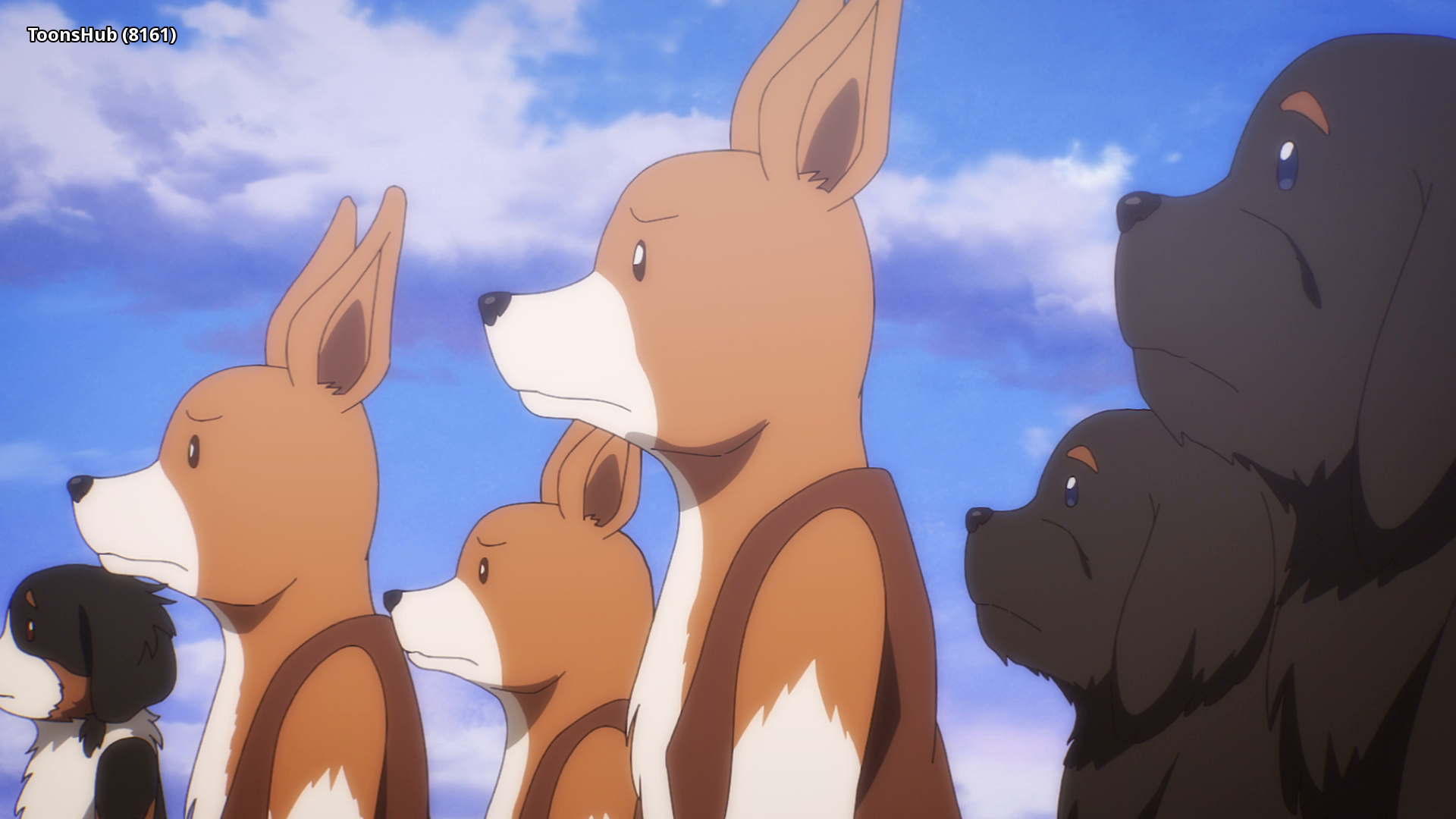 |
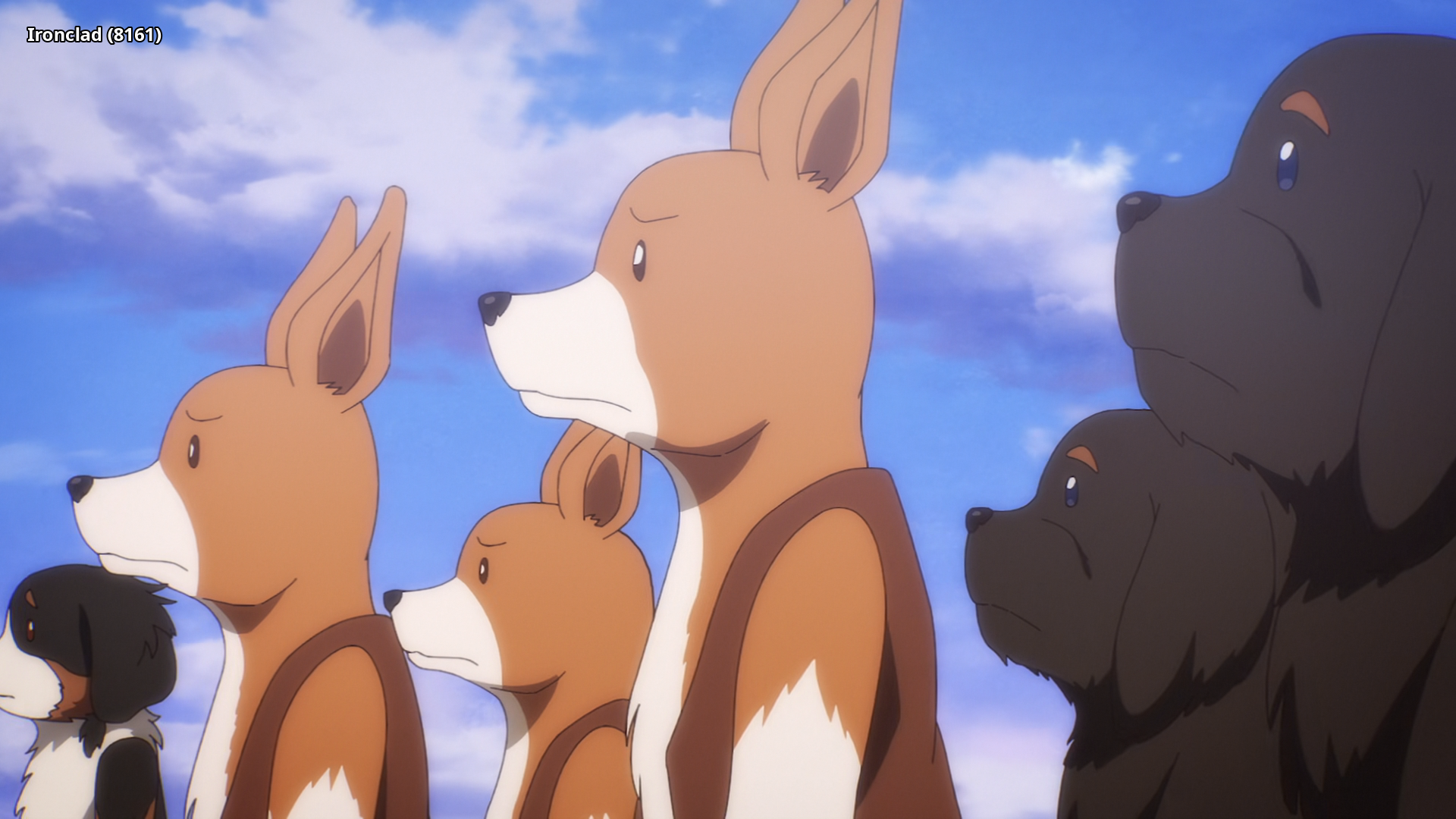 |
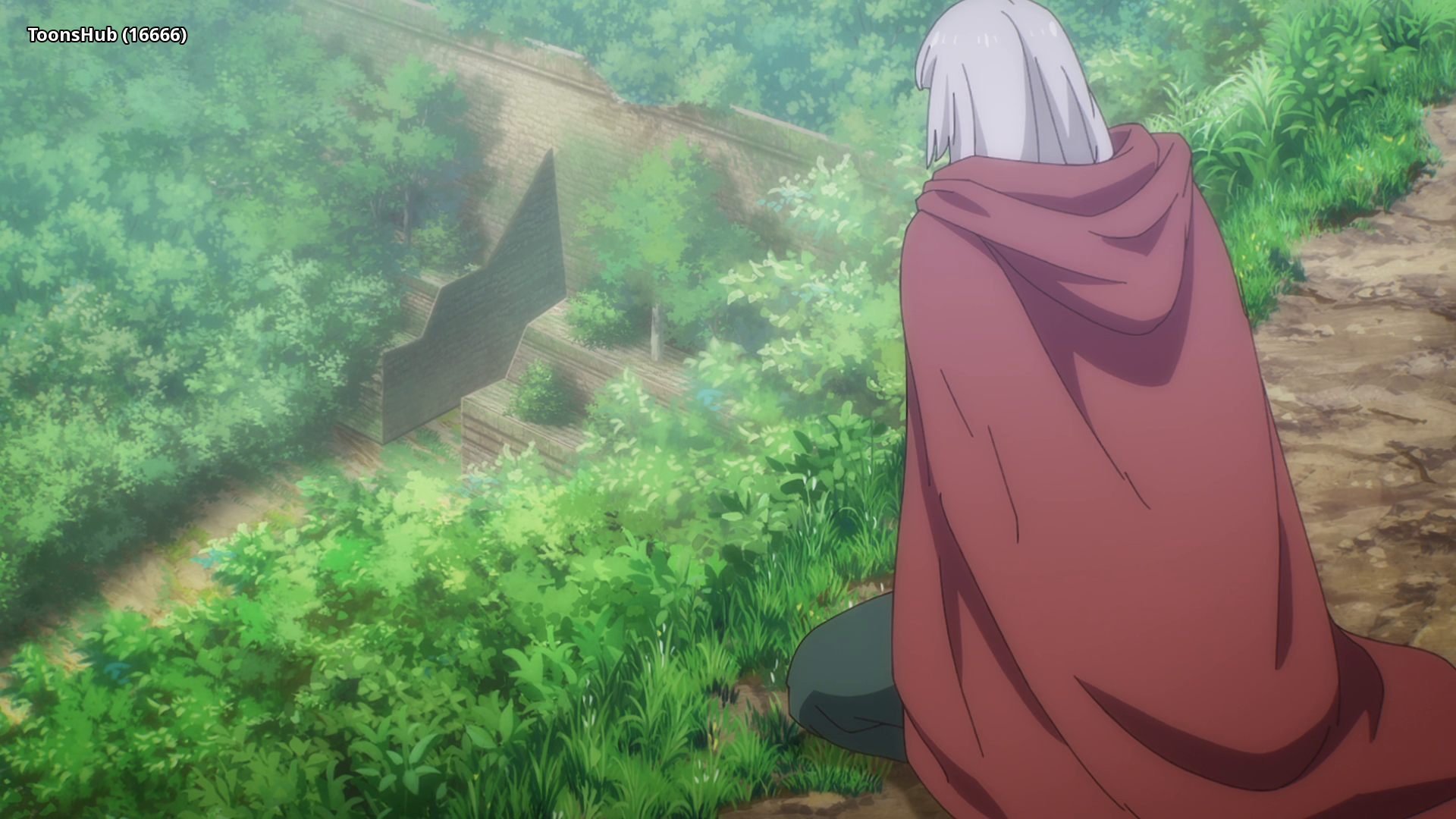 |
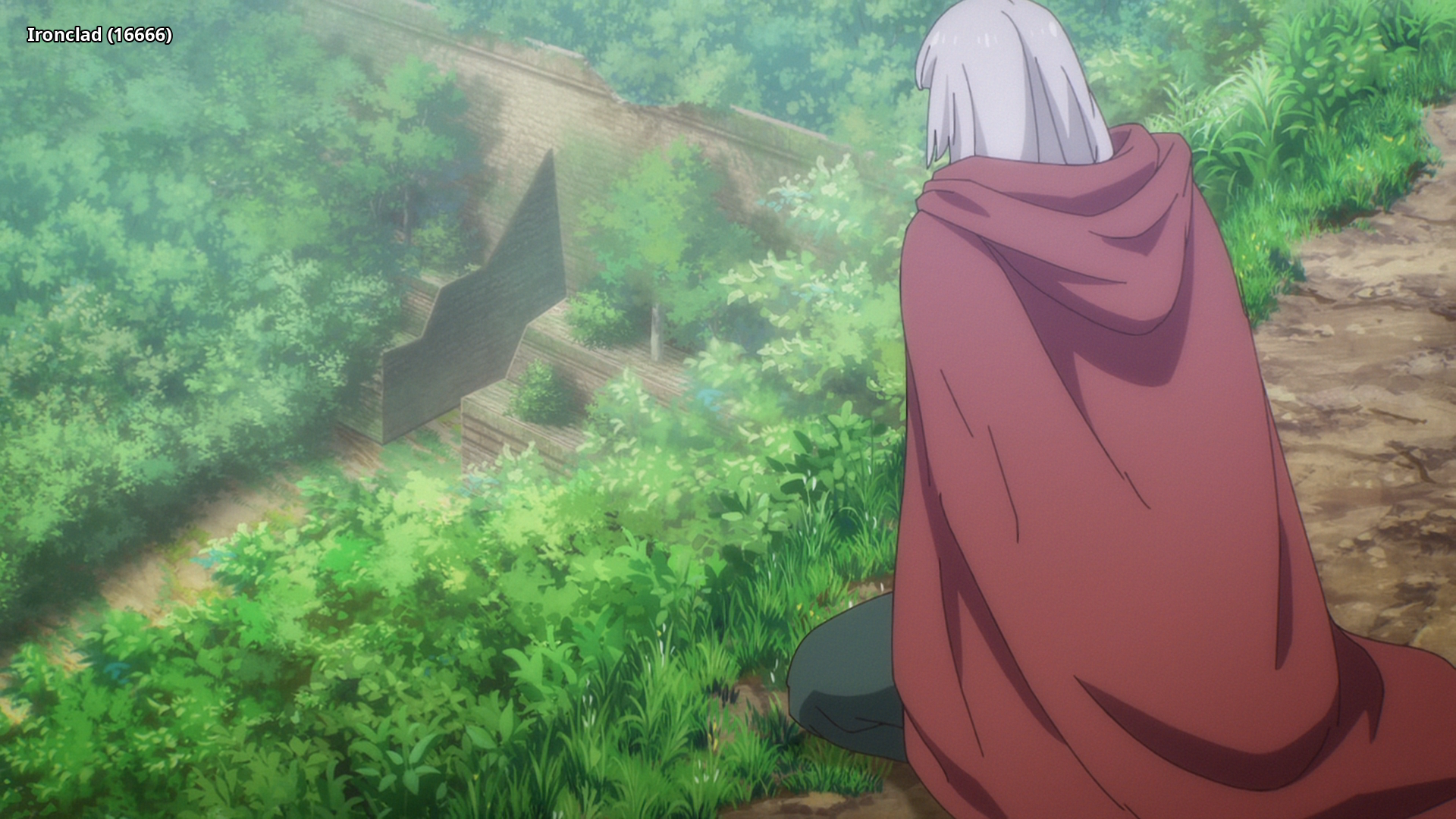 |
 |
 |
Interested in AV1?: Discord
Recommended players: MPV, MPC-HCLanguage Options: You can download here two scripts that do the following (Windows/macOS-Linux):
Keep Japanese: Throws out all audio tracks other than Japanese
Keep English: Throws out all audio and subtitles tracks other than English
Put all the video files into the Language Options folder and run the corresponding script. The resulting files can be found in the output folder.Note: MKVToolNix must be installed on your system and added to PATH
Comments 1
Thank you.