Nyaa archive 2109765
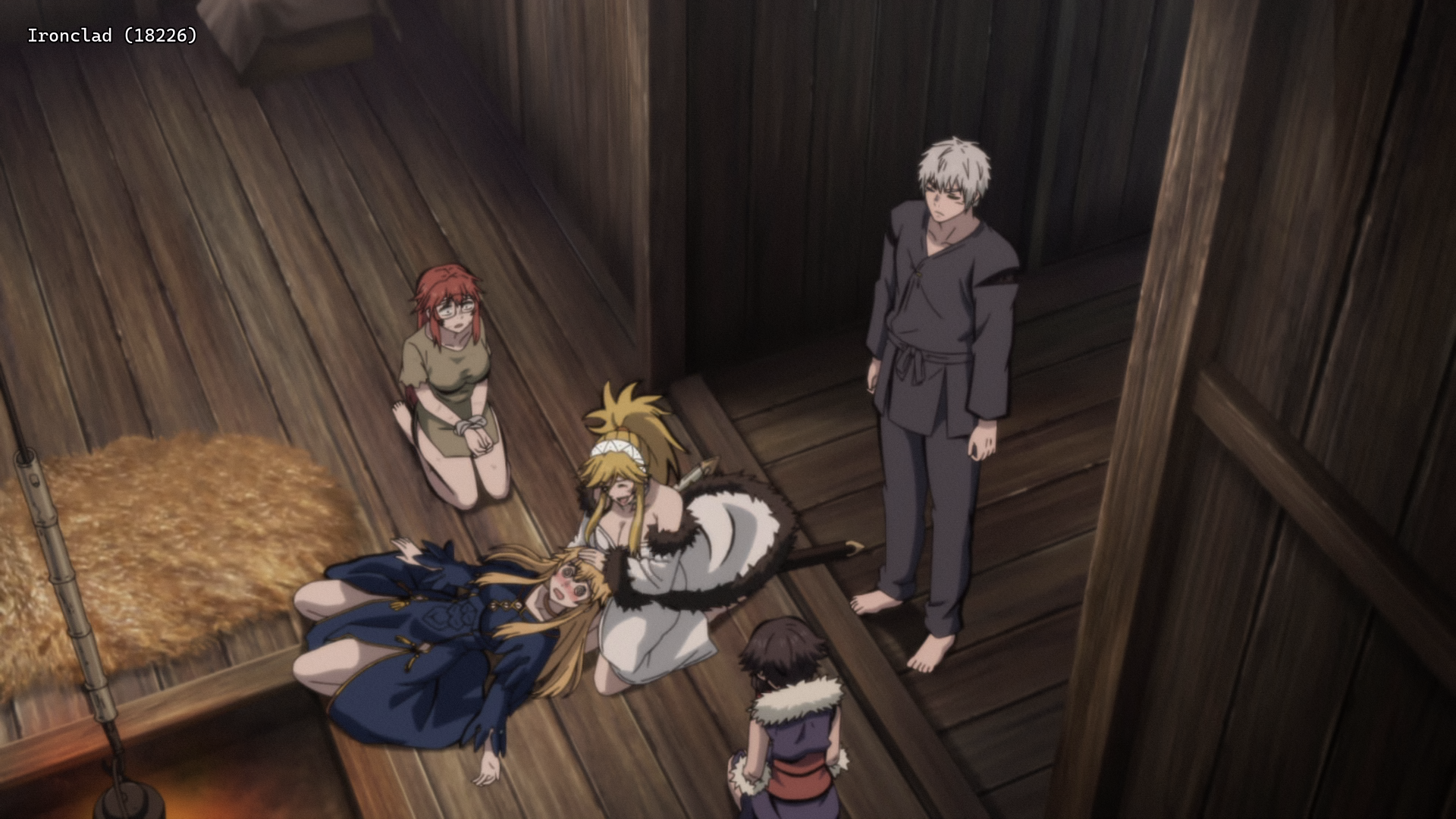
[Ironclad] Hime Kishi wa Barbaroi no Yome - S01E06 [WEB.1080p.AV1] | The Warrior Princess and the Barbaric King (Multi-Subs) (Weekly)
Saved on 2026-09-15 22:34:13. This copy includes the description and comments available at capture.
Description
 |
|---|
| Serafina, the West’s fiercest knight, expected torture when captured by barbarians. Instead, she got a marriage proposal! Marrying her sworn enemy is a hard no! But after seeing her wedding captor’s culture and very pretty face, she may be tempted to swap her sword for a wedding veil. Get ready for the ultimate enemies-to-maybe-lovers arc. |
| Video | VARYG |
|---|---|
| Audio | opusenc (using libopus 1.6): --bitrate 128 JPN |
| Subtitles | ENG, SPA-LA, SPA, ARA, FRE, GER, ITA, POR-BR, IND, THA, CHI, CHI-TR, VIE, RUS, MAY |
| Chapters | VARYG |
| Target CVVDP + Butteraugli 3-norm | scene score: 9.6, model: trix_fhd + max: 1.3, intensity target: 203.0 |
| Encoder | SVT-AV1-Essential v4.0.1-Essential: --crf 10.0-35.0 --preset 3 --tune 2 --noise-norm-strength 1 --qp-scale-compress-strength 3 --ac-bias 1.0 --sharp-tx 0 --tx-bias 2 --complex-hvs 1 --noise-adaptive-filtering 1 --enable-alt-cdef 1 --enable-alt-dlf 2 --qm-min 0 --qm-max 15 --chroma-qm-min 0 --luminance-qp-bias 0 --enable-dlf 3 --enable-tf 2 --enable-dg 1 --tile-columns 1 --fast-decode 2 + ROI Maps |
| FGS | svt-av1: --photon-noise 400-37324 |
| Filters | Denoise with vs-denoise: dfttest: {0.0: 0.3, 0.4: 0.3, 0.6: 0.6, 0.8: 1.5, 1.0: 2.0}, tr=2, planes=[0,1,2] / bm3d: sigma=32, tr=2, profile=bm3d.Profile.FAST, planes=0 + nlm: h=0.6, tr=2, a=2, planes=[1,2] + mc_degrain: prefilter=Prefilter.DFTTEST, preset=MVToolsPreset.HQ_SAD, thsad=100, dering with vs-dehalo |
| Source | Encode |
|---|---|
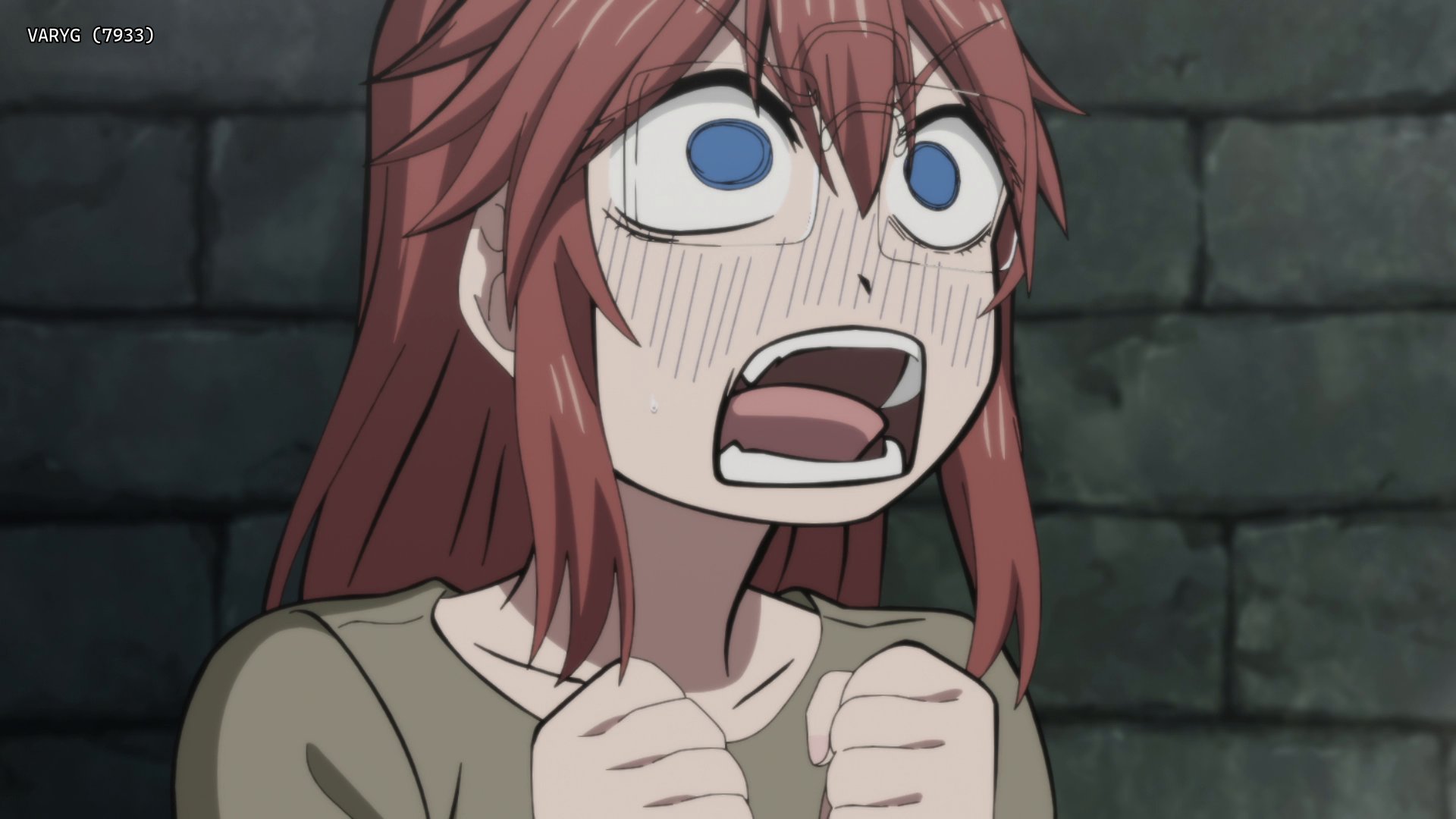 |
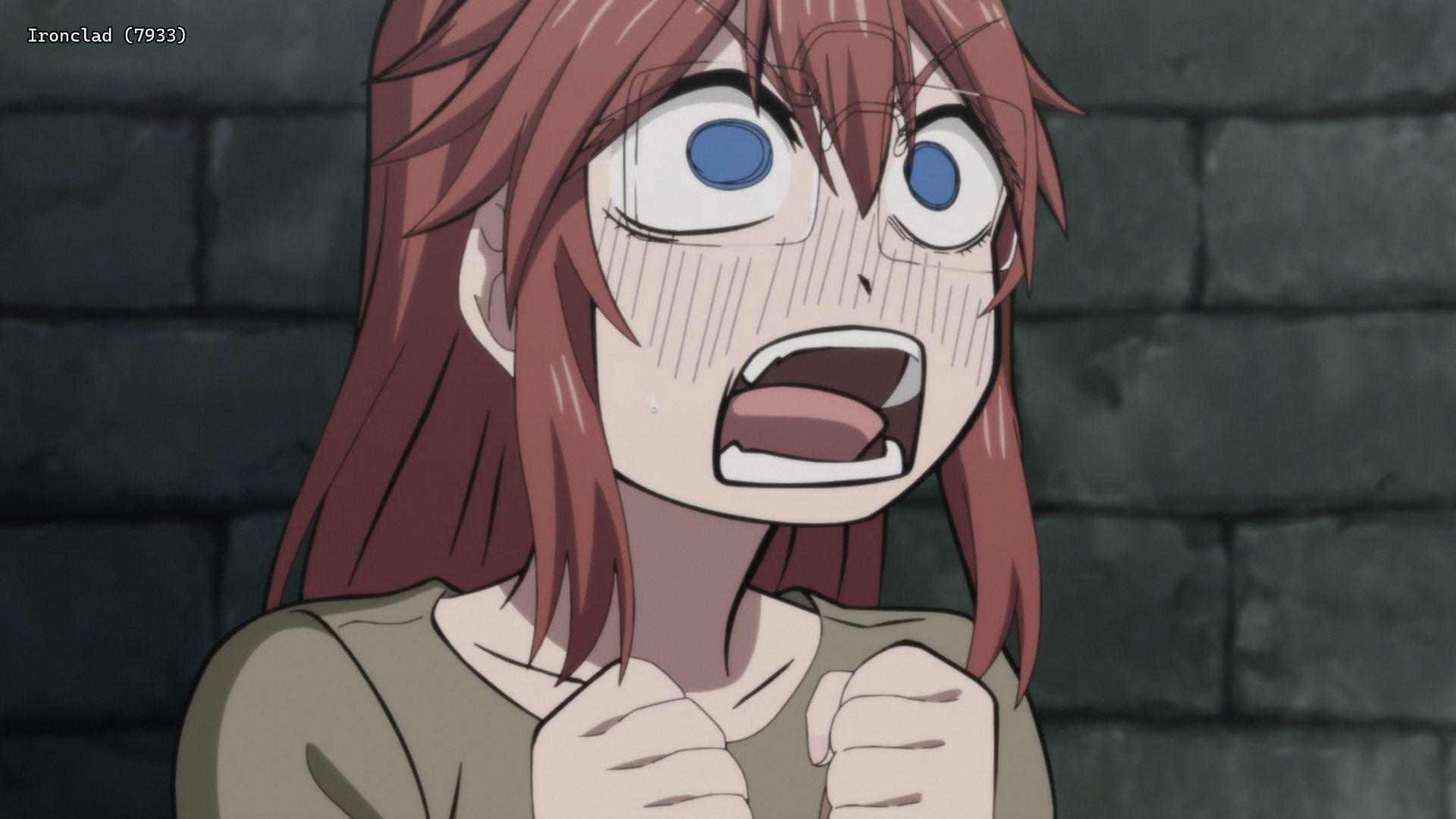 |
 |
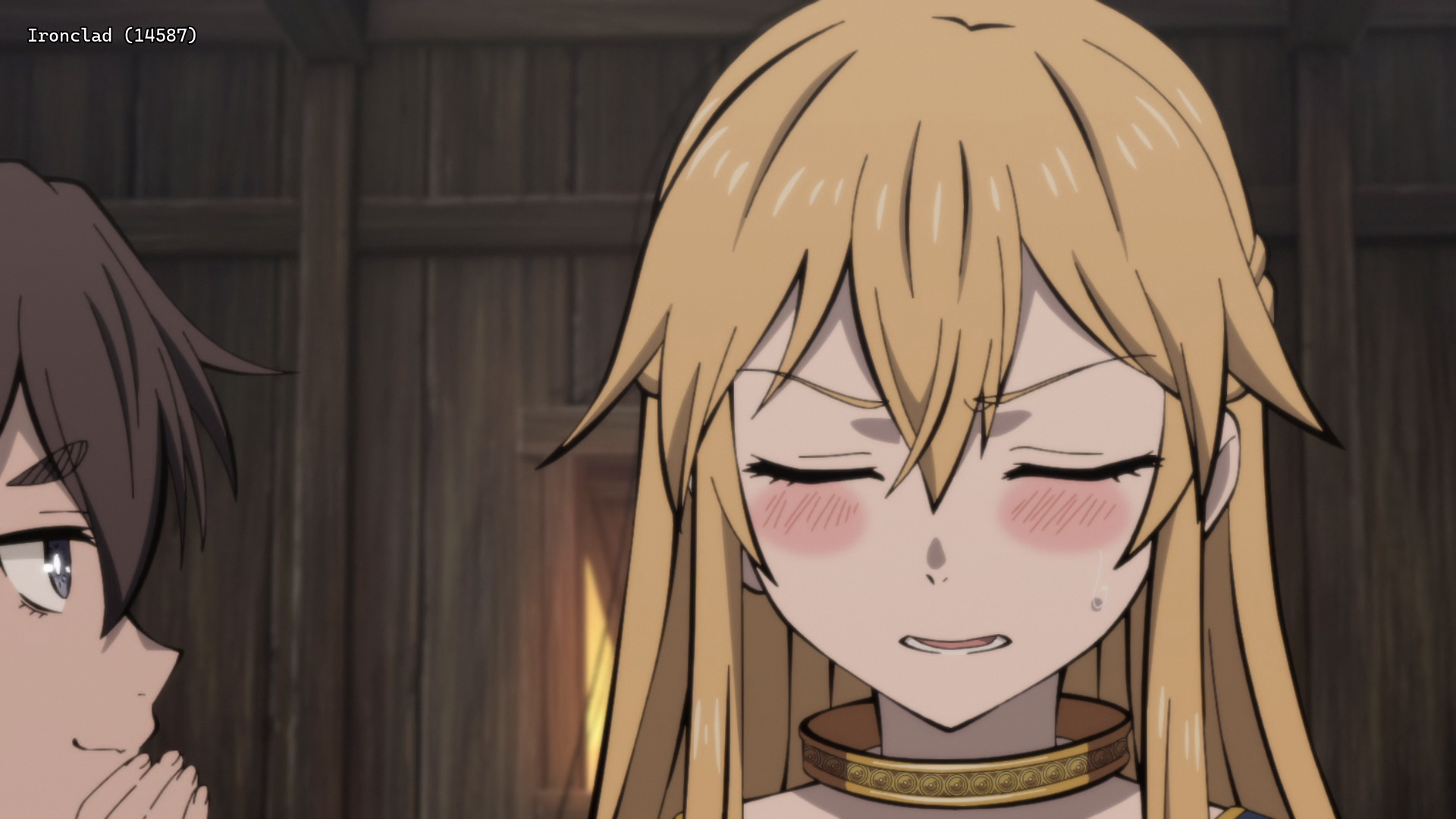 |
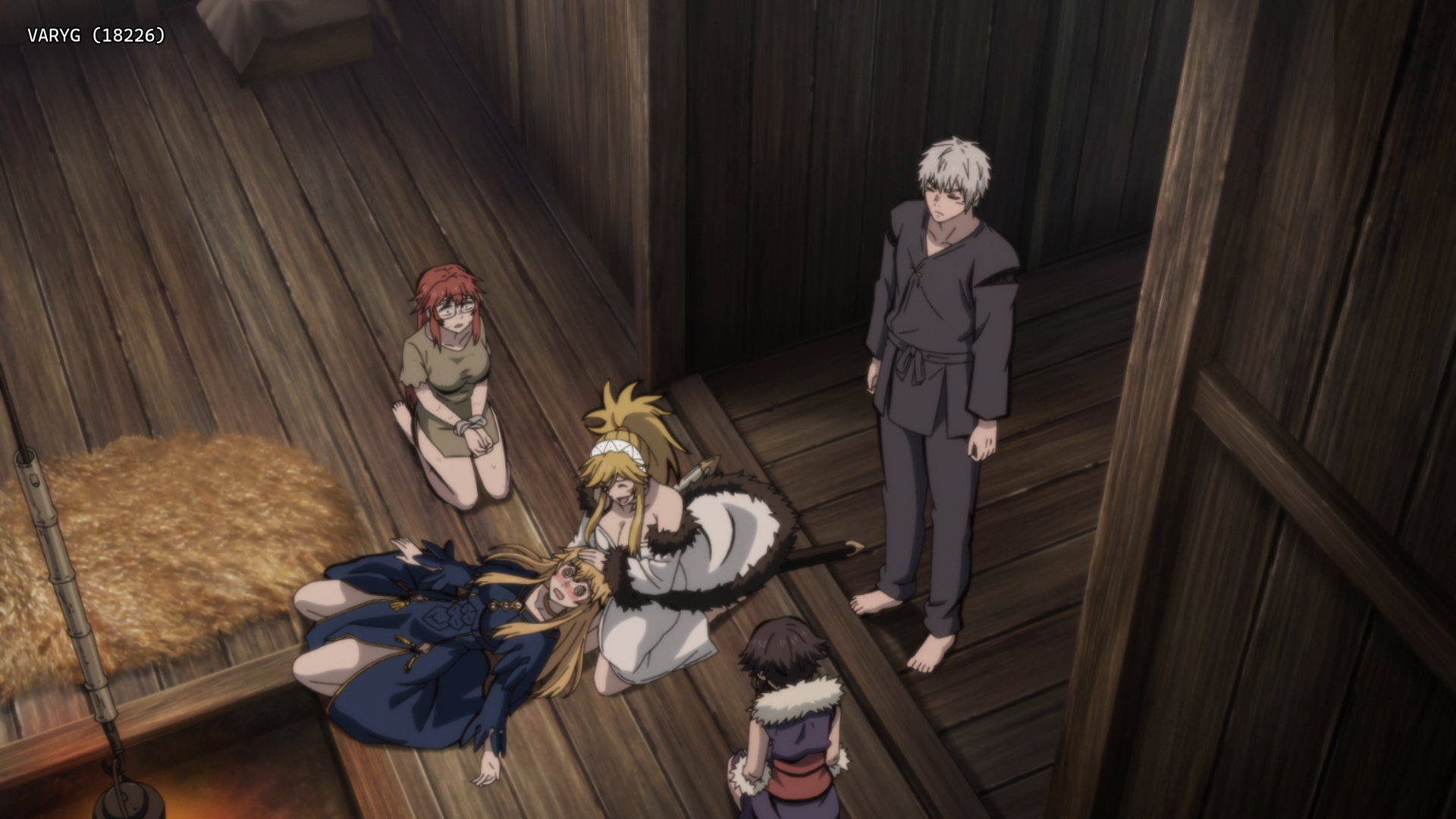 |
 |
Interested in AV1?: Discord
Recommended players: MPV, MPC-HCLanguage Options: You can download here two scripts that do the following (Windows/macOS-Linux):
Keep Japanese: Throws out all audio tracks other than Japanese
Keep English: Throws out all audio and subtitles tracks other than English
Put all the video files into the Language Options folder and run the corresponding script. The resulting files can be found in the output folder.Note: MKVToolNix must be installed on your system
Comments 0
No comments at capture.