Nyaa archive 2097406
[Trix] You and I Are Polar Opposites S01 v2 (Batch) [WEBRip 1080p AV1 Opus] (Dual Audio, Multi Subs, VOSTFR) | Seihantai na Kimi to Boku 正反対な君と僕 Season S1
Saved on 2026-09-15 22:07:34. This copy includes the description and comments available at capture.
Description
Main info:
[Trix]-> that's me (@nekotrix), joinAV1 weeb edition
You and I Are Polar Opposites-> anime title, info onAniDB,
MyAnimeList,
AniList
S01-> season number, followingTheTVDB's scheme
v2-> includes significant enough changes over a previously existing release (details below)
Batch-> contains the complete seasonWEBRip-> encode from a WEB-DL source (here Crunchyroll viavaryg1001)
1080p-> video resolution (1920x1080 @ 23.976 FPS)
AV1-> 📺 video format (Main + 4:2:0 + 10-bit = hardware friendly)
Opus-> 🔊 audio format (Stereo 2.0 @ 96kbps)Dual Audio-> 🔊 dual audio tracks: Japanese 🇯🇵 & English 🇺🇸
Multi Subs-> 📄 multiple subtitles tracks including: English (Forced), English, English, French, French, Arabic, Spanish (Latin America), Spanish (Latin America), Spanish, German, German, Italian, Portuguese (Brazil), Portuguese (Brazil), Russian, Chinese (China), Chinese (Honk Kong), Indonesian, Malay, Thai, Vietnamese
VOSTFR-> keyword to denote the presence of french subtitles
Misc info:
Encoding details:
- Filtering: Mild denoising
- Encoder: SVT-AV1-Essential:
--speed slow --crf 32
v2 note: No updated encodes in this batch, expect all-around improved encodes for a future BD batch! Added missing English dub in E09-12 (thanks Crunchyroll...), re-encoded all audio tracks due to occasional audio popping issues. Used Unfucked's subs for E11-12. Added missing subtitles (when available) and improved chapters. See y'all for Season 2!
Tired of VLC acting up with Opus audio, with subtitles, with color rendition? We recommend the MPV media player for the best playback experience (TheWiki Guide). Always keep your software up-to-date!
Direct Download Link: Episodes DDL, attachments download & more on AnimeTosho
Language Options
You can download here two scripts that do the following (Windows/macOS-Linux):
- Keep Japanese: Throws out all audio tracks other than Japanese
- Keep English: Throws out all audio and subtitles tracks other than English
Put all the video files into the Language Options folder and run the corresponding script. The resulting files can be found in the output folder.
Note: MKVToolNix must be installed on your system
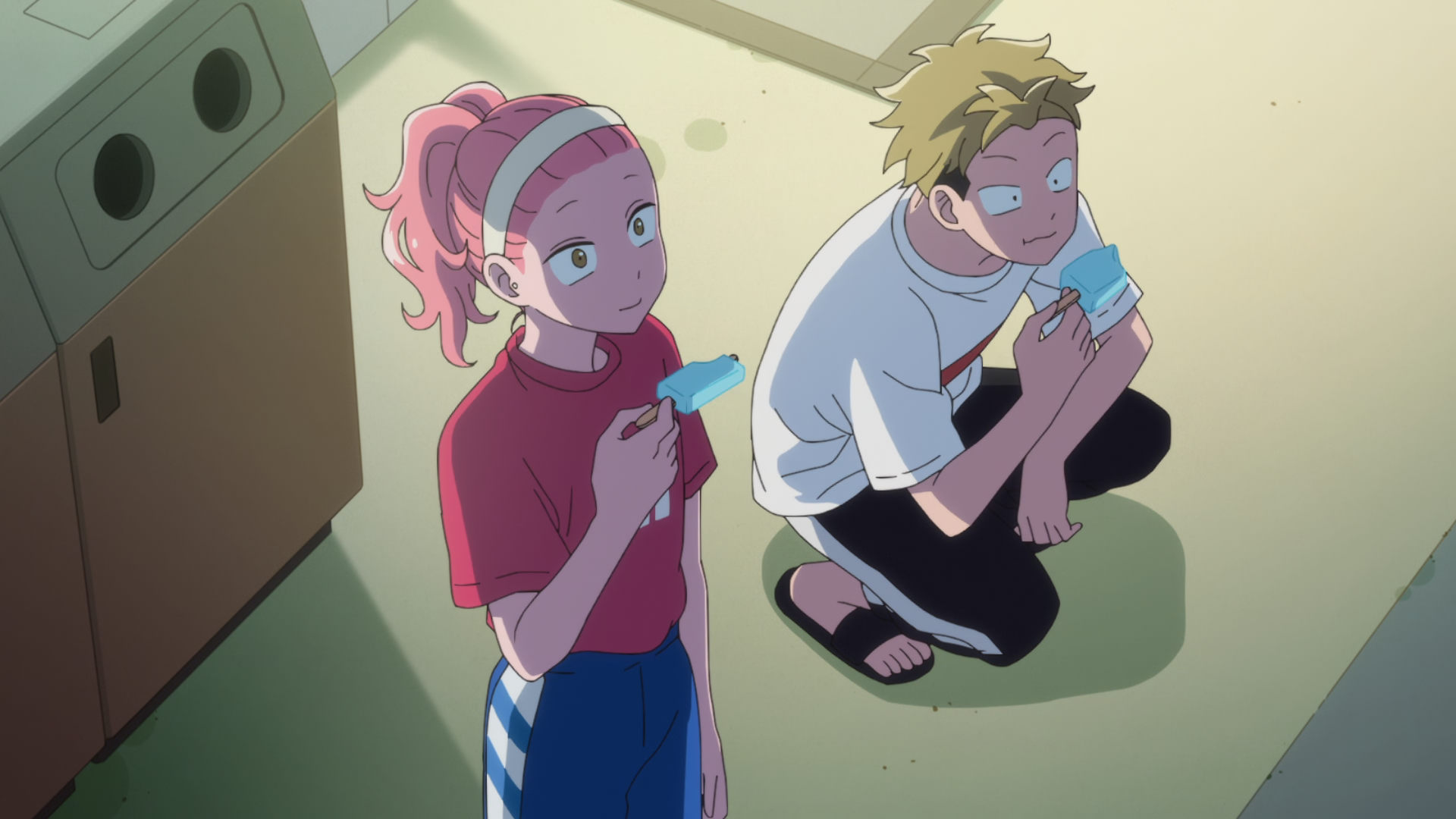
Screenshots:







Comments 3
thanks!
Many Thanks!
Ep 2 still has Gapacho's name misspelled, but that's Crunchyroll's mess up. Easy to fix if you know how to edit the sub file.