Nyaa archive 2025932
[Ironclad] Tate no Yuusha no Nariagari - S04 [WEB.1080p.AV1] | The Rising of the Shield Hero (Dual-Audio, Multi-Subs)
Saved on 2026-09-15 21:09:26. This copy includes the description and comments available at capture.
Description
 |
|---|
| Iwatani Naofumi was summoned into a parallel world along with 3 other people to become the world's Heroes. Each of the heroes respectively equipped with their own legendary equipment when summoned, Naofumi received the Legendary Shield as his weapon. Due to Naofumi's lack of charisma and experience he's labeled as the weakest, only to end up betrayed, falsely accused, and robbed by the third day of adventure. Shunned by everyone from the king to peasants, Naofumi's thoughts were filled with nothing but vengeance and hatred. Thus, his destiny in a parallel World begins... |
| Video | VARYG |
|---|---|
| Audio | opusenc (using libopus 1.5.2): --bitrate 128 JPN, ENG |
| Subtitles | ENG, SPA-LA, SPA, ARA, FRE, GER, ITA, POR-BR, RUS, IND, THA, VIE |
| Chapters | VARYG |
| Target Butteraugli 3-norm | max: 1.3, intensity target: 203.0 |
| Encoder | SVT-AV1-PSY v3.0.2-A-1-gd1dbfba: --crf 10.0-45.0 --preset 2 --tune 1 --noise-norm-strength 1 --spy-rd 2 --hbd-mds 1 --complex-hvs 1 --qp-scale-compress-strength 3 --tile-columns 1 --enable-dlf 2 --enable-tf 2 --fast-decode 2 --film-grain 4-10 + ROI Maps |
| FGS | grav1an: --film-grain diff |
| Filters | Denoise with vs-denoise: h=0.3, tr=2, a=[3,2,2], planes=[0,1,2], dering with vs-dehalo: rx=2, dither with vs-tools |
| Rescale | Rescale with vodesfunc: height=843.75, width=1500.0, base_height=846, base_width=1504, kernel: AdobeBicubic, double with vs-scale: ArtCNN.C16F64, downscale with vs-kernels: Hermite(linear=True) |
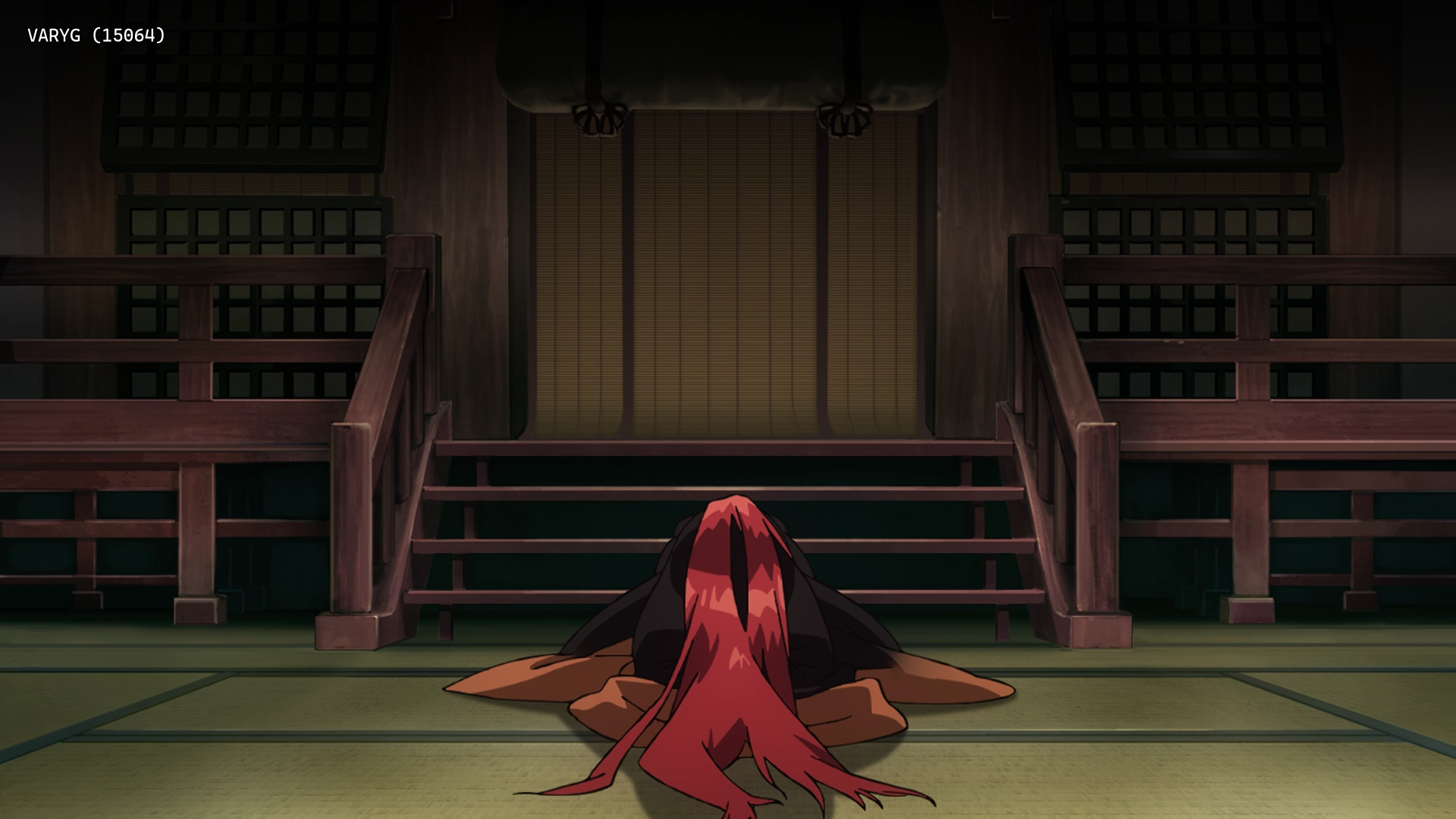
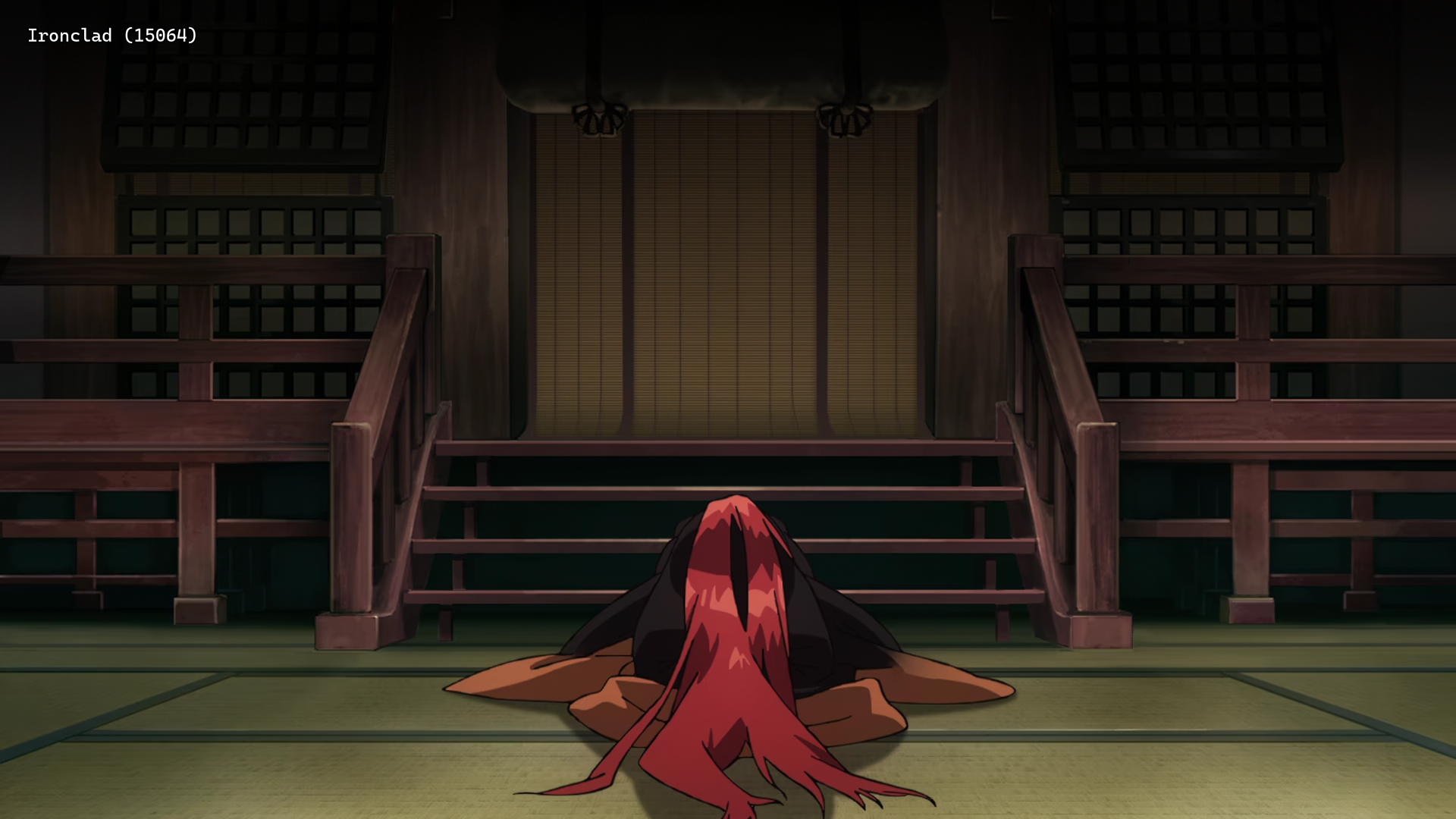
| Source | Encode |
|---|---|
 |
 |
 |
 |
 |
 |
Interested in AV1?: Discord
Recommended players: MPV, MPC-HCLanguage Options: You can download here two scripts that do the following (Windows/macOS-Linux):
Keep Japanese: Throws out all audio tracks other than Japanese
Keep English: Throws out all audio and subtitles tracks other than English
Put all the video files into the Language Options folder and run the corresponding script. The resulting files can be found in the output folder.Note: MKVToolNix must be installed on your system
Comments 0
No comments at capture.