Nyaa archive 1755244
[Trix] Darwin's Game [Dual Audio] [Multi Subs] (BD 720p AV1) - ダーウィンズゲーム VOSTFR
Saved on 2026-09-18 15:50:32. This copy includes the description and comments available at capture.
Description
| MediaInfo | Darwin's Game (MyAnimeList) | |
|---|---|---|
| Video Codec / Settings | 1280x720 AV1 10-bit / SVT-AV1 (v1.8.0 MOD): preset 2, CRF32 (base) + auto-boost 2.0 | |
| Audio Language (Codec) | Japanese, English (Opus 2.0 - 96kbps) | |
| Subtitles | English (Dialogue), English (Signs/Songs), French | |
| Source | [Dae], Titicraft (French subs) | |
| Cover | More AV1 releases |
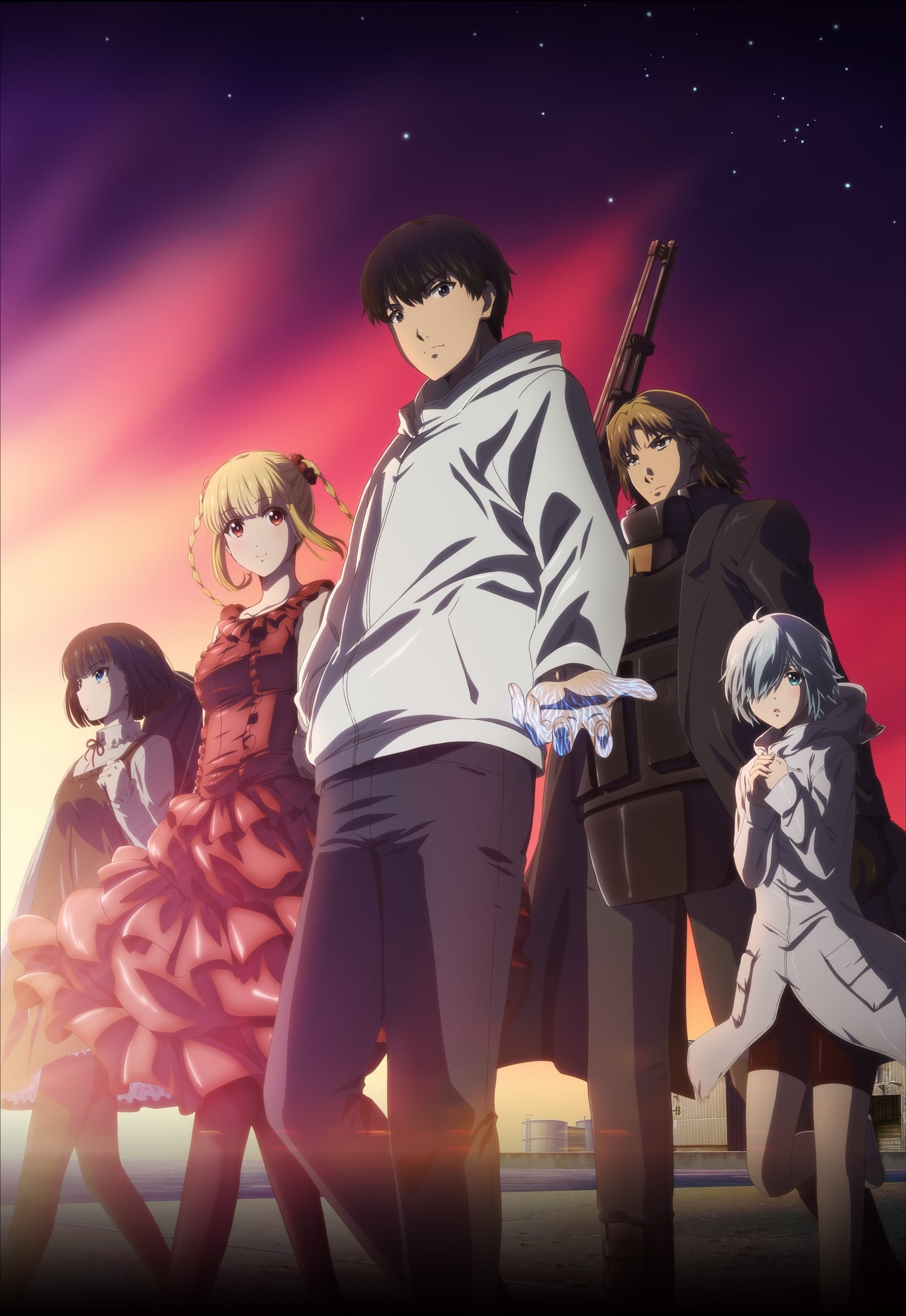
Thanks to the people involved in this release, including the sources.
This release is the first using a new algorithm of mine that takes motion and luminance data, as well as metrics ran over a first fast-pass encode to better allocate bits where they are needed the most. This should hopefully lead to a more consistent fidelity level, less lower quality scenes that act as outliers, and overall achieve lower bitrates compared to traditional encoding methods. This is still WIP, while being thoroughly tested, however it should pave the way forward for even more appealing videos in the future.
For a bit more context, the maximum allowed CRF range here was 20-40 and the average value circled around 27/28. This is also my first release using SVT-AV1 v1.8.0 which improved the speed of the slowest presets by up to 50% officially. Actually preset 2 became 60% faster on my computer, nicely exceeding expectations. AV1 can't be considered slow anymore despite what the haters may argue. A nice variance patch that tends to improve consistency in darker scenes was applied too. You can get the same by compiling the encoder from this fork. Building instructions for Linux are on the discord server, Windows binaries for regular v1.8.0 are available too, and we can help if you got any questions.
With all that said, enjoy this release!
Language Options
You can download here two scripts that do the following (Windows/macOS-Linux):
- Keep Japanese: Throws out all audio tracks other than Japanese
- Keep English: Throws out all audio and subtitles tracks other than English
Put all the video files into the Language Options folder and run the corresponding script. The resulting files can be found in the output folder.
Note: MKVToolNix must be installed on your system
Tired of VLC acting up with Opus audio, with subtitles, with color rendition? We recommend the MPV media player for the best playback experience (guide). Keep your software up-to-date!
Want to report an issue with the torrent? Know what's planned next? Learn more about AV1? Join the AV1 anime discord
Comments 0
No comments at capture.