nekoBT archive 9397687462663
[Ironclad] A Nobody's Way up to an Exploration Hero - S01 [BD 1080p AV1] | Mob kara Hajimaru Tansaku Eiyuutan (Multi-Subs)
Saved on 2026-09-19 11:34:24. This copy includes the description and comments available at capture.
Description
 |
|---|
| Kaito Takagi, a low status high schooler, your typical Mob character so to say, was just a normal everyday explorer who hunted slimes every day in the dungeons that appeared in Japan, earning pocket money while admiring his childhood friend, the class queen, from afar. One day, a golden slime he had never seen appears before him. After he defeats it, he obtains an extremely rare item worth hundreds of millions as a drop, a servant card that can summon mythical beings!! After he makes up his mind and summons it, a warrior maiden with unparalleled beauty appears. Rise above being just a mob explorer Kaito! |
| Video | AcousticKitty@U2 |
|---|---|
| Audio | opusenc (using libopus 1.6): --bitrate 128 JPN |
| Subtitles | ENG, SPA-LA, SPA, ARA, FRE, GER, ITA, POR-BR, RUS |
| Chapters | AcousticKitty@U2 |
| Target Butteraugli 3-norm | max: 1.3, intensity target: 203.0 |
| Encoder | SVT-AV1-PSY [5fish:main]: --crf 10.0-35.0 --preset 2 --tune 1 --filtering-noise-detection 1 --ac-bias 1.0 --tx-bias 3 --complex-hvs 1 --hbd-mds 1 --qp-scale-compress-strength 3 --qm-min 0 --qm-max 15 --tile-columns 1 --enable-dlf 2 --enable-tf 2 --fast-decode 2 + ROI Maps |
| FGS | svt-av1: --photon-noise 1233-4323 |
| Filters | Border fixing with bore: left=3, right=3, top=3, bottom=3, denoise with vs-denoise: dfttest: {0.0: 0.2, 0.4: 0.2, 0.6: 0.6, 0.8: 1.3, 1.0: 1.8}, tr=2, planes=[0,1,2], dering with vs-dehalo, dither with vs-tools |
| Source | Encode |
|---|---|
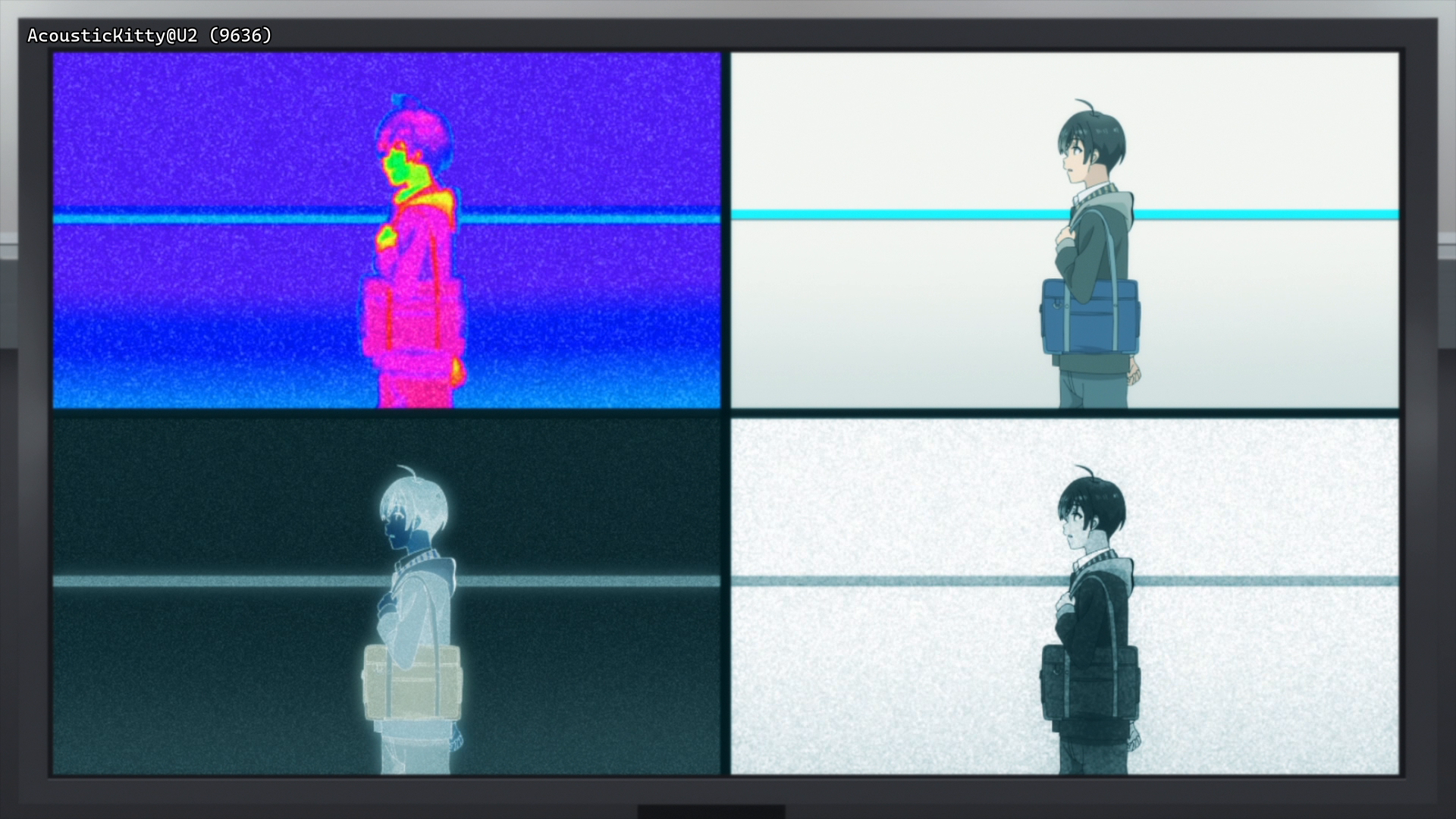 |
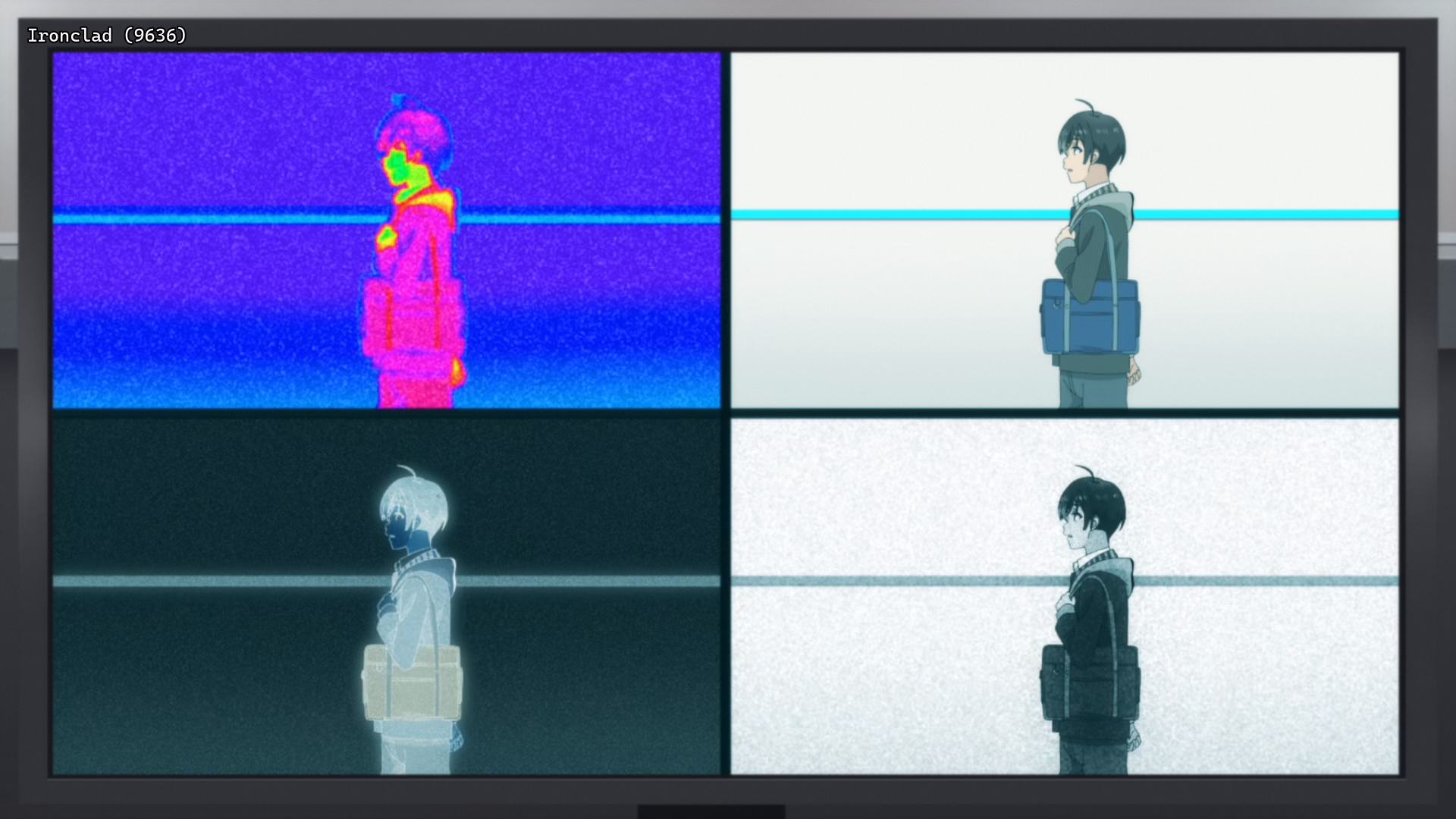 |
 |
 |
 |
 |
Interested in AV1?: Discord
Recommended players: MPV, MPC-HCLanguage Options: You can download here two scripts that do the following (Windows/macOS-Linux):
Keep Japanese: Throws out all audio tracks other than Japanese
Keep English: Throws out all audio and subtitles tracks other than English
Put all the video files into the Language Options folder and run the corresponding script. The resulting files can be found in the output folder.Note: MKVToolNix must be installed on your system
Comments 0
No comments at capture.