nekoBT archive 8158030035715
[Trix] CITY THE ANIMATION S01 (Batch) [BDRip 1080p AV1 Opus] (Dual Audio, Multi Subs, VOSTFR) | Season S1
Saved on 2026-09-19 10:15:06. This copy includes the description and comments available at capture.
Description
Main info:
[Trix]-> that's me (@nekotrix), joinAV1 weeb edition
CITY THE ANIMATION-> anime title, info onAniDB,
MyAnimeList,
AniList
S01-> season number, followingTheTVDB's scheme
Batch-> contains the complete seasonBDRip-> encode from a BDMV source (here JPBD via U2)
1080p-> video resolution (1920x1080 @ 23.976 FPS)
AV1-> 📺 video format (Main + 4:2:0 + 10-bit = hardware friendly)
Opus-> 🔊 audio format (Stereo 2.0 @ 128kbps/96kbps)Dual Audio-> 🔊 multiple audio tracks: Japanese 🇯🇵, English 🇺🇸 & French 🇫🇷
Multi Subs-> 📄 multiple subtitles tracks including: English (Forced), English [MTBB], English (Honorifics) [MTBB], French (Forced), French, French (Canadian), Arabic, Spanish (Latin America) (Forced), Spanish (Latin America), Spanish (Forced), Spanish, German (Forced), German, Italian (Forced), Italian, Portuguese (Brazil) (Forced), Portuguese (Brazil), Chinese (Simplified), Chinese (Traditional), Dutch, Hindi, Indonesian, Japanese, Japanese (SDH), Korean, Malay, Polish, Thai (Forced), Thai, Turkish
VOSTFR-> keyword to denote the presence of french subtitles
Misc info:
Encoding details:
- Filtering: Mild denoising & dehaloing (Script (WIP)) (Before / After Example (WIP))
- Encoder: SVT-AV1-Essential v3.1.2 via Auto-Boost-Essential v2.0 Pre-Release:
--preset 1 --crf 30
Note: E11 has the OP sliced-in versus WEB streams so I also sliced in the appropriate audio in the dubs and offsetted the subs as needed. The last third of E13 is un-dubbed, however the dialogues don't appear in the Forced tracks so I manually re-added the missing lines so that it's not needed to switch between subtitles.
Tired of VLC acting up with Opus audio, with subtitles, with color rendition? We recommend the MPV media player for the best playback experience (TheWiki Guide). Always keep your software up-to-date!
Direct Download Link: Episodes DDL, attachments download & more on AnimeTosho
Language Options
You can download here two scripts that do the following (Windows/macOS-Linux):
- Keep Japanese: Throws out all audio tracks other than Japanese
- Keep English: Throws out all audio and subtitles tracks other than English
Put all the video files into the Language Options folder and run the corresponding script. The resulting files can be found in the output folder.
Note: MKVToolNix must be installed on your system
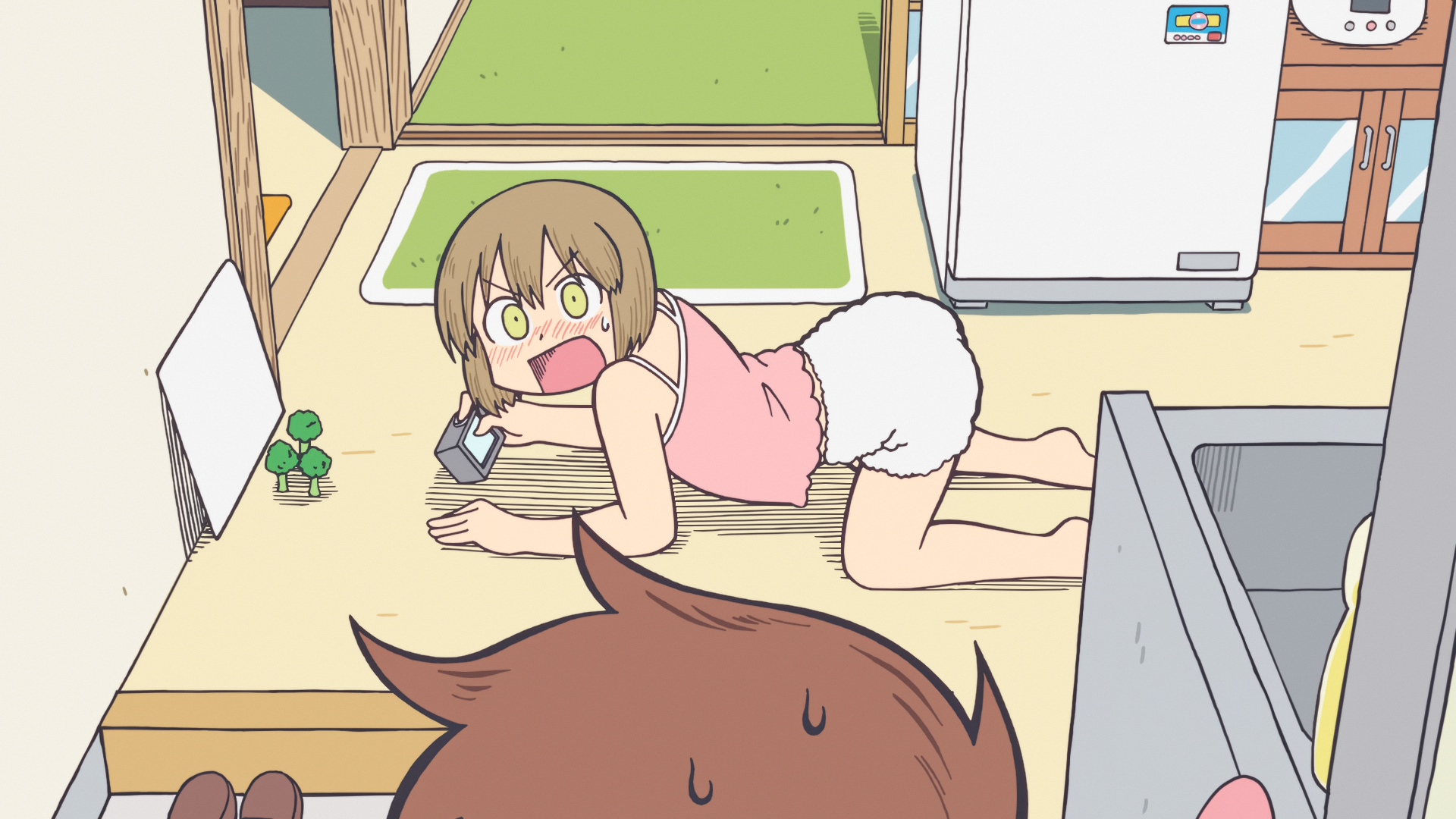
Screenshots:
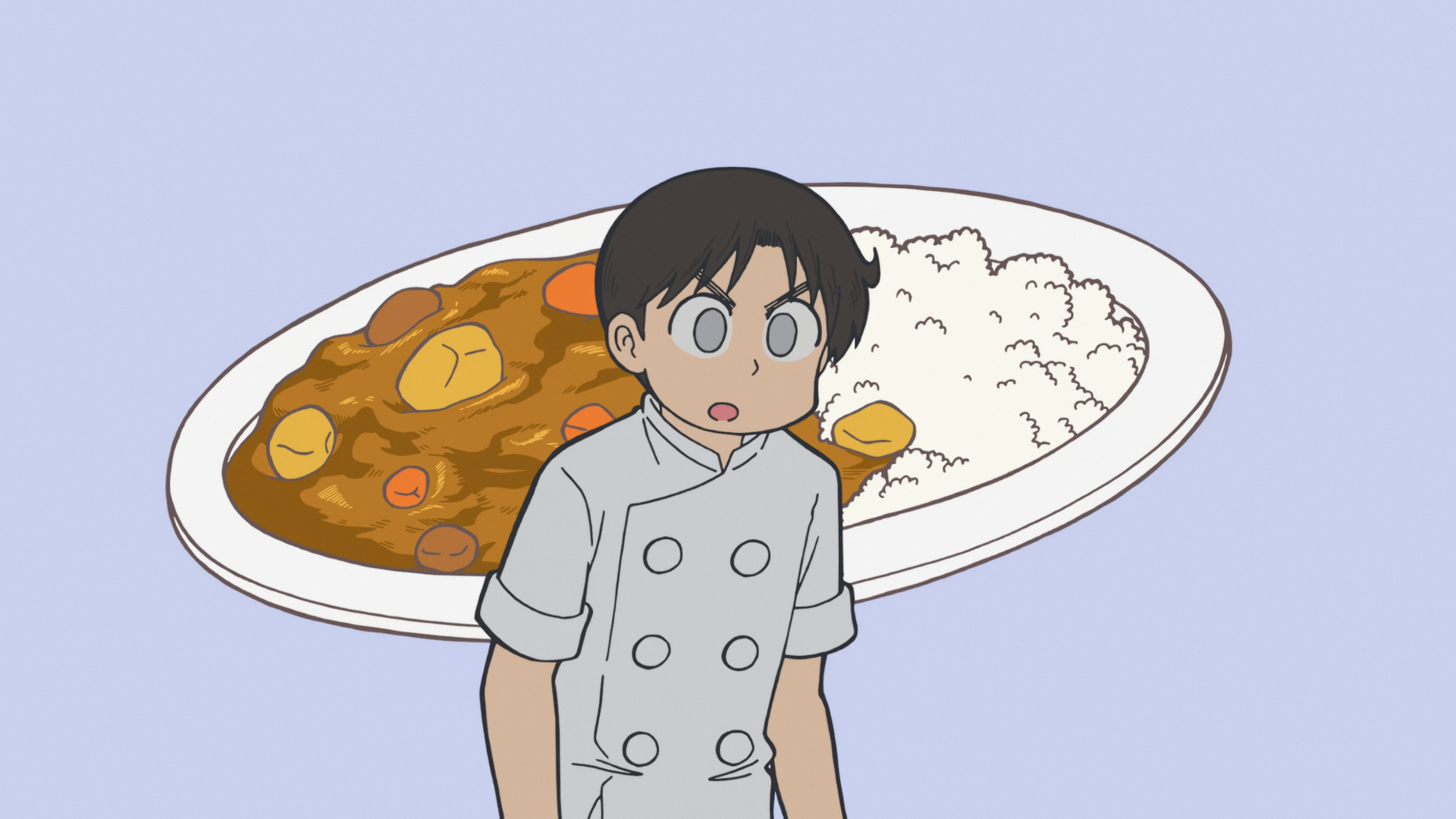
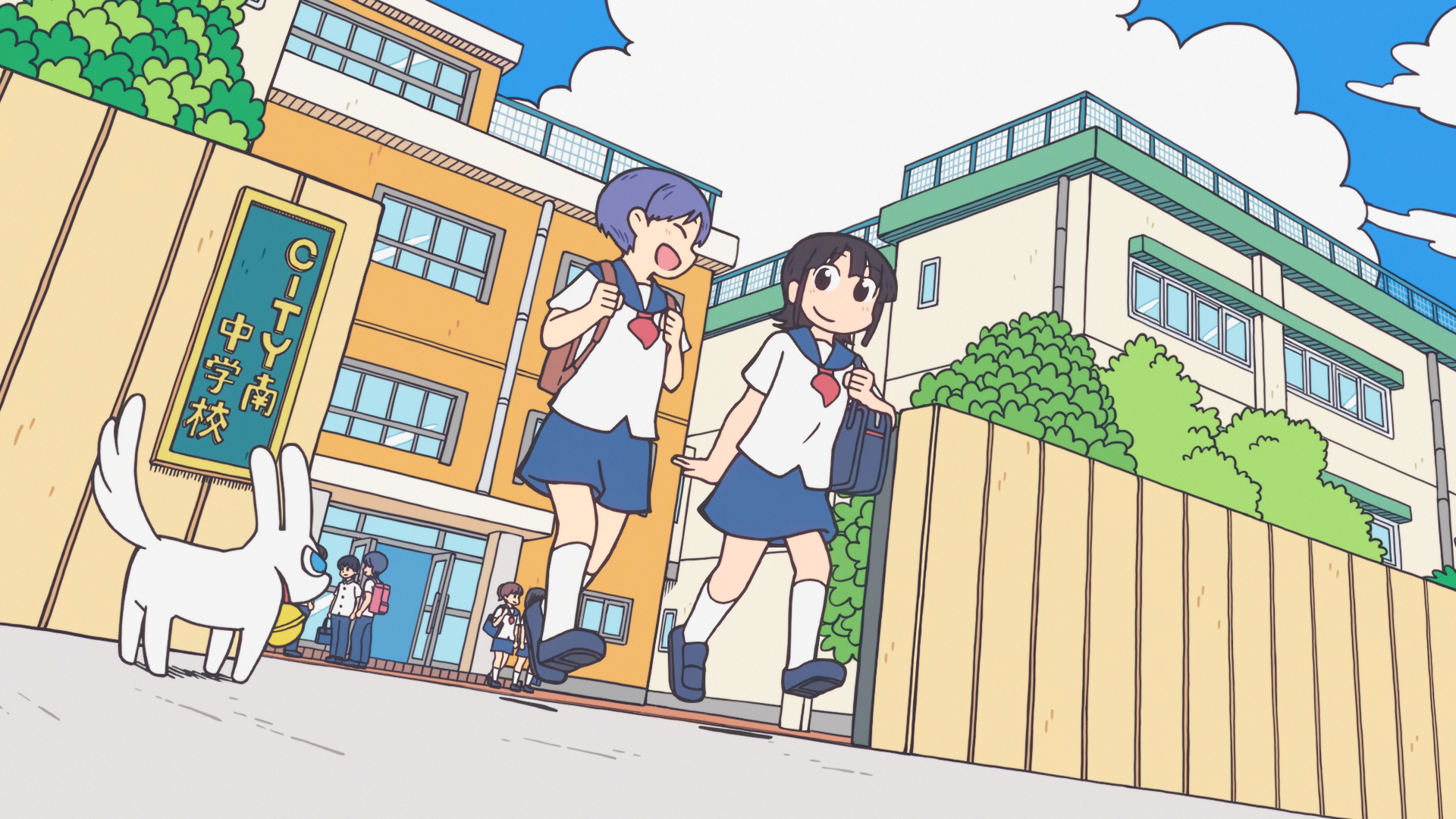

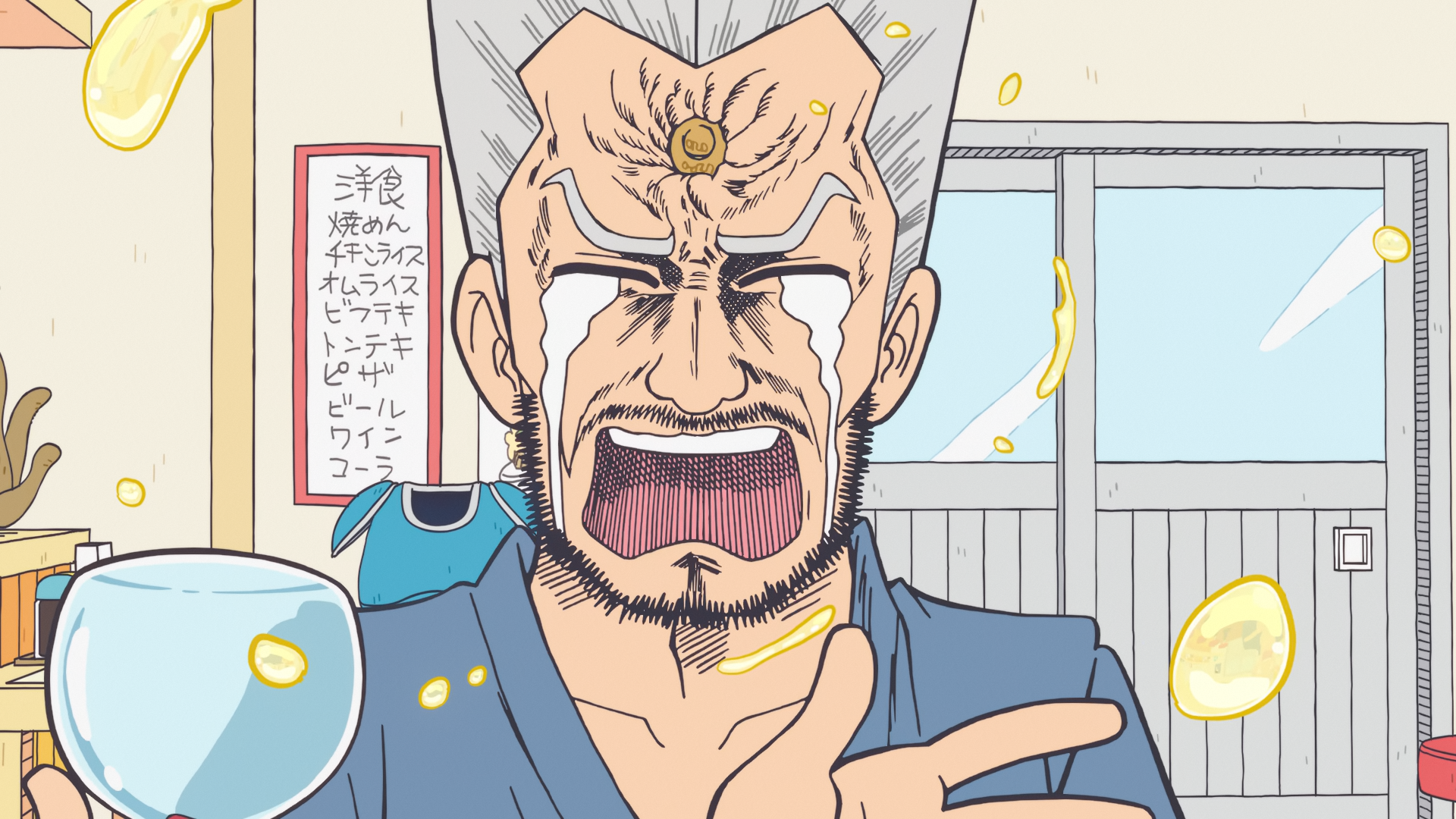

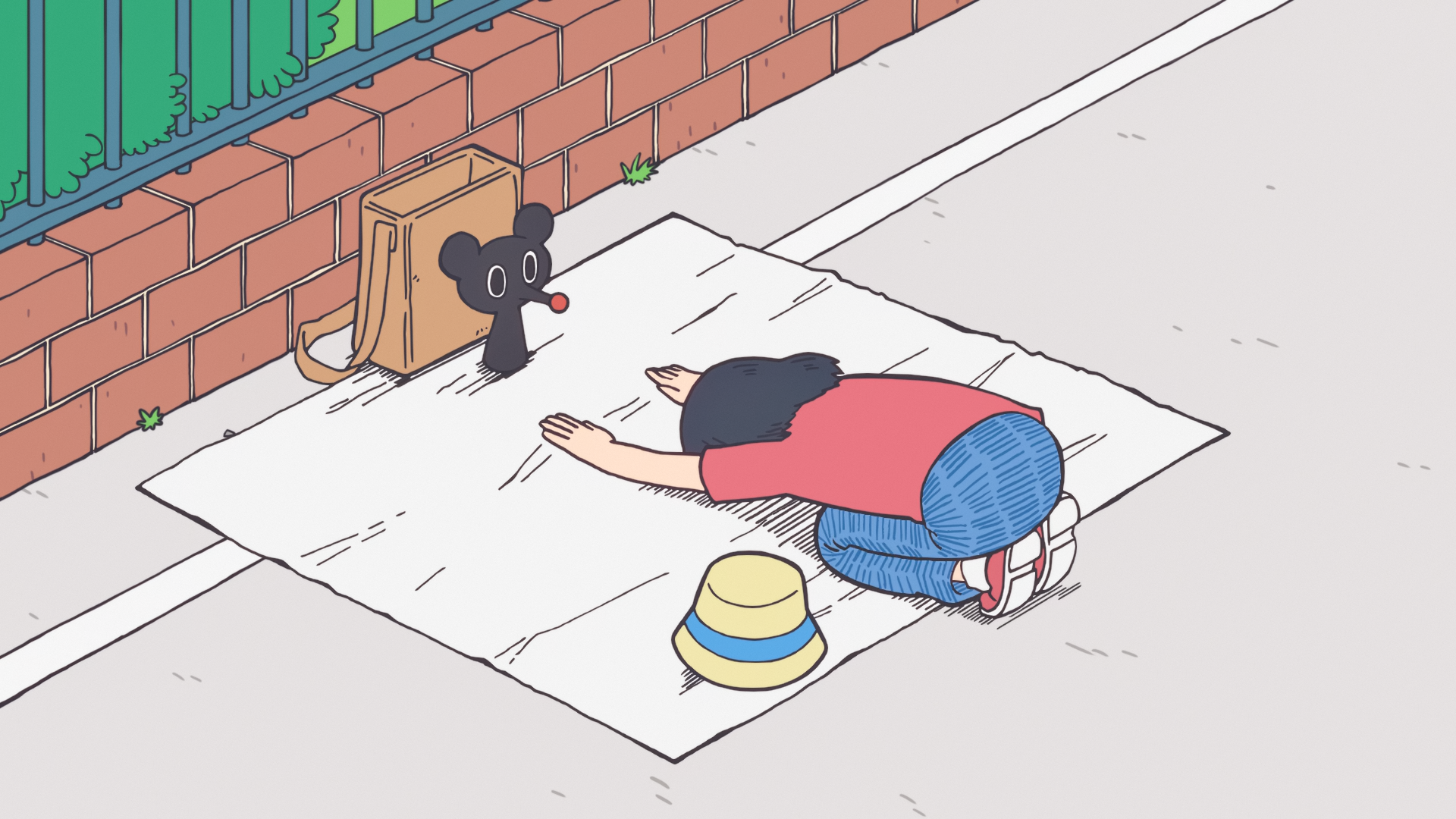

Comments 1
https://multiup.io/project/6598d7461e660d272facce09d1153764
^^ DDLs here ^^
If the torrent is on NekoBT, TsukiHime or AnimeTosho and under 10G you can post its link at https://ntfy.sh/cc5u3vp5u to auto parse it through multiUp... Read more at https://animetosho.org/feedback?page=516#comment23056