nekoBT archive 14663826733574
[Ironclad] Cyberpunk: Edgerunners - S02 (WEB 1080p AV1 DV HDR10P) | Cyberpunk - Edgerunners (Multi-Audio, Multi-Subs)
Saved on 2026-10-25 23:18:27. This copy includes the description and comments available at capture.
Description
 |
|---|
| In a dystopia riddled with corruption and cybernetic implants, a talented but reckless street kid strives to become a mercenary outlaw — an edgerunner. |
| Video | Trix, VARYG, NTb |
|---|---|
| HDR | Trix: Dolby Vision, NTb: HDR10+ |
| FGS | svt-av1: --film-grain 4-50 --adaptive-film-grain 1 / --photon-noise 8700-23550 VARYG |
| Audio | opusenc (libopus 1.6.1): --bitrate 256 JPN, ENG, SPA-LA, SPA, FRE, GER, ITA, POR-BR, POL, THA, HUN, CZE |
| Subtitles | ENG, SPA-LA, SPA, ARA, FRE, GER, ITA, JPN, POR-BR, POR, POL, ca, BAQ, GLG, DUT, NOB, FIN, FIL, TUR, SWE, GRE, HEB, RUM, IND, THA, KOR, DAN, CHI, CHI-TR, VIE, UKR, RUS, HUN, CZE, HRV, MAY |
| Chapters | VARYG |
| Target CVVDP + Butteraugli 3-norm | scene score: 9.6, model: trix_fhd_hdr + max: 1.3, intensity target: 203.0 |
| Encoder | SVT-AV1 5fish v2.3.261004: --crf 16.0-36.0 --preset 2 --lineart-psy-bias 5 --texture-psy-bias 3 --noise-psy-bias 0 --balancing-luminance-q-bias 0 --enable-tf 2 --tile-columns 1 --fast-decode 2 + ROI Maps |
| Filters | Trim: start=240, frequency merge with vs-denoise: lowpass=lambda clip: bilateral(clip), denoise with vs-denoise: dfttest: {0.0: 0.3, 0.4: 0.3, 0.6: 0.6, 0.8: 1.5, 1.0: 2.0}, tr=2, planes=[0,1,2] / denoise with av-denoise: Nl4d, dering with vs-dehalo: rx=2 |
| Merge | Low frequency: Trix, NTb, High frequency: VARYG, Trix, NTb |
| Source | Encode |
|---|---|
 |
 |
 |
 |
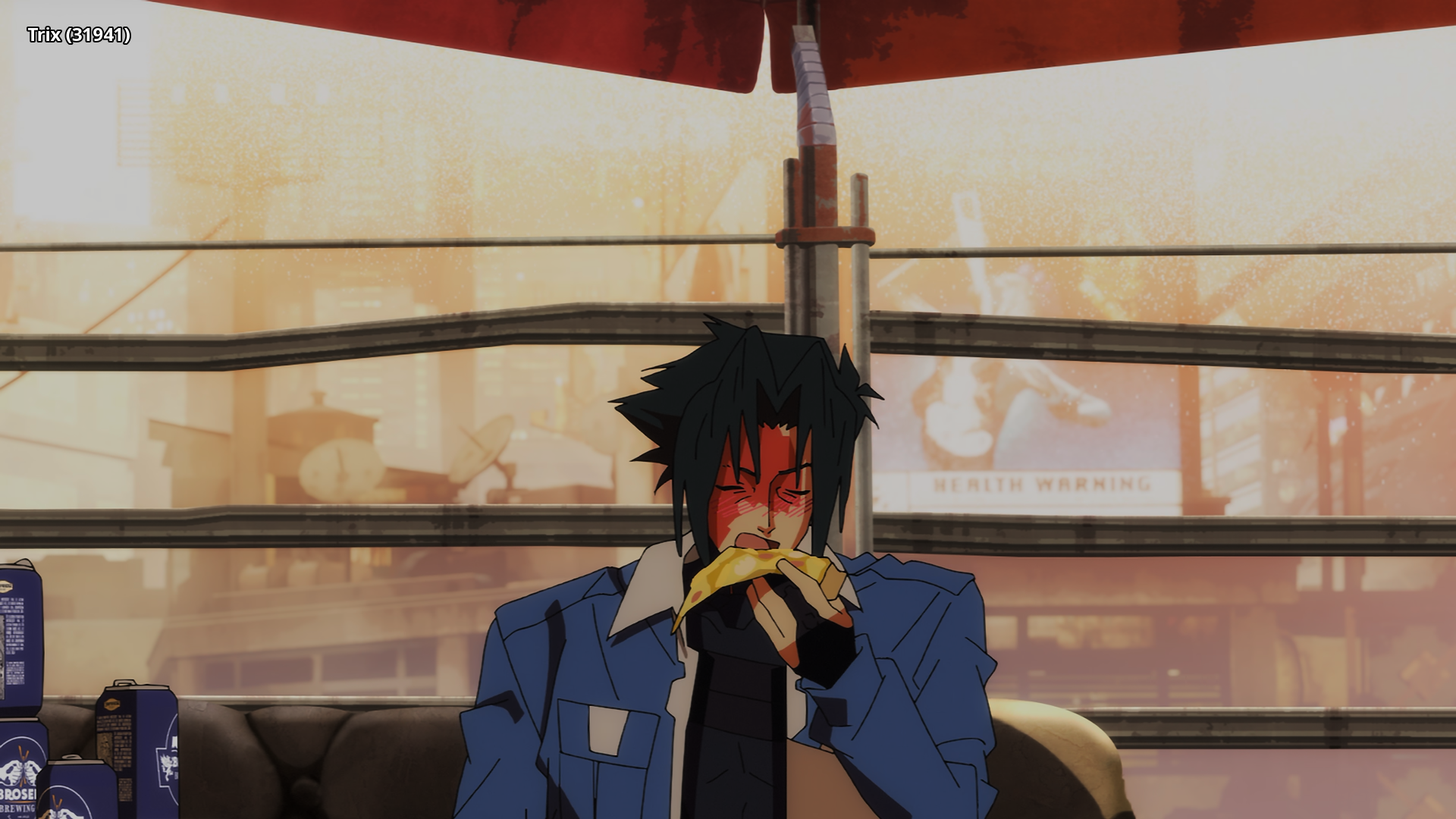 |
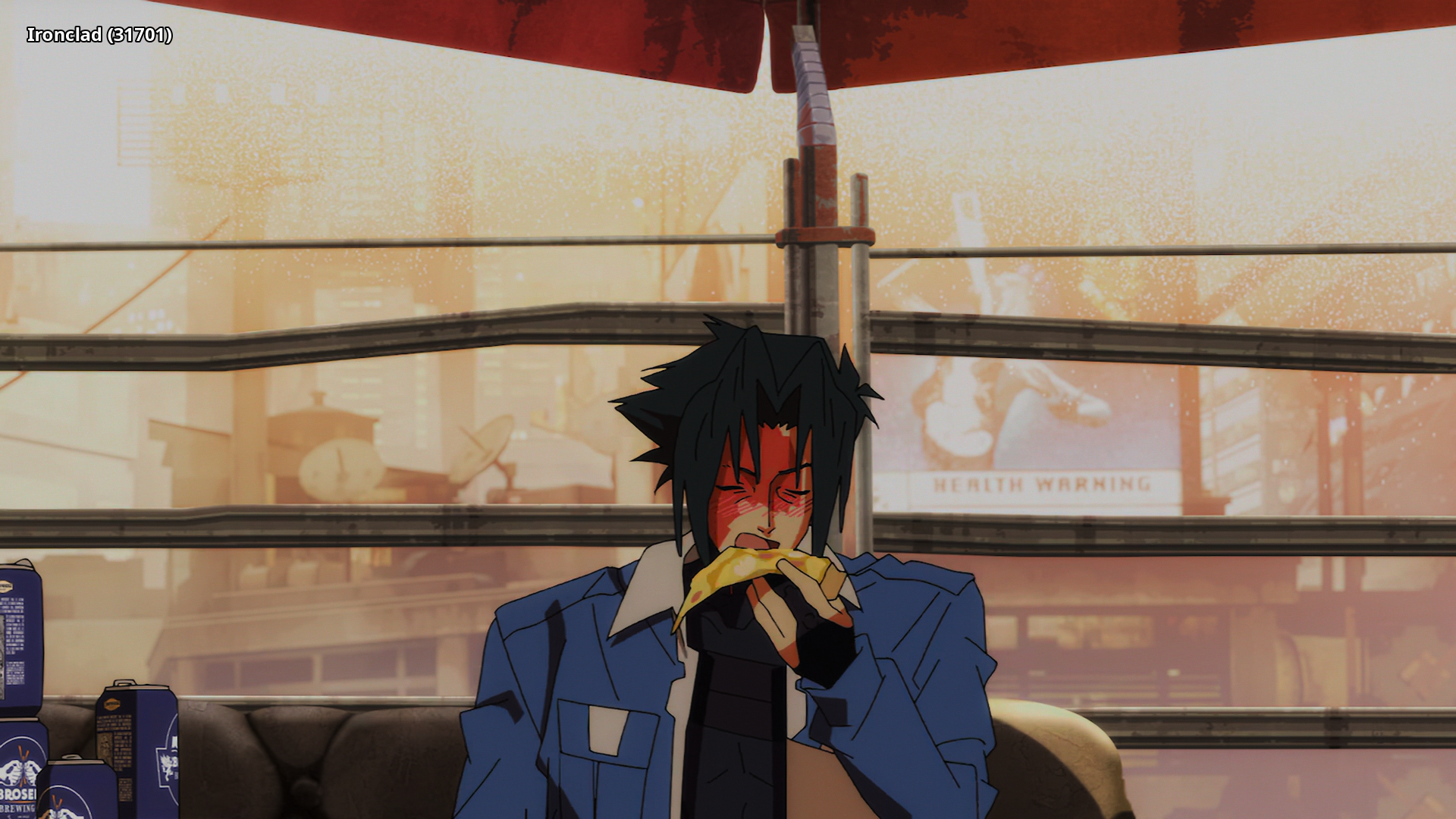 |
Interested in AV1?: Discord
Recommended players: MPV, MPC-HCLanguage Options: You can download here two scripts that do the following (Windows/macOS-Linux):
Keep Japanese: Throws out all audio tracks other than Japanese
Keep English: Throws out all audio and subtitles tracks other than English
Put all the video files into the Language Options folder and run the corresponding script. The resulting files can be found in the output folder.Note: MKVToolNix must be installed on your system and added to PATH
Comments 0
No comments at capture.