nekoBT archive 13600806532870
[Ironclad] A Livid Lady's Guide to Getting Even: How I Crushed My Homeland with My Mighty Grimoires - S01E10 (WEB 1080p AV1) | Buchigire Reijou wa Houfuku wo Chikaimashita (Multi-Subs) (Weekly)
Saved on 2026-09-19 21:01:22. This copy includes the description and comments available at capture.
Description
 |
|---|
| After being publicly betrayed by the crown prince and thrown into prison, noblewoman Elizabeth escapes her kingdom with the legendary Seven Grimoires. With help from a viscount from a neighboring nation, she rebuilds her life while plotting revenge against the kingdom that cast her aside. |
| Video | ToonsHub |
|---|---|
| Audio | opusenc (libopus 1.6.1): --bitrate 128 JPN |
| Subtitles | ENG, SPA-LA, SPA, ARA, FRE, GER, ITA, POR-BR, IND, THA, CHI, CHI-TR, VIE, RUS, MAY |
| Chapters | ToonsHub |
| Target CVVDP + Butteraugli 3-norm | scene score: 9.6, model: trix_fhd + max: 1.3, intensity target: 203.0 |
| Encoder | SVT-AV1 5fish v2.3.260819: --crf 14.0-30.0 --preset 2 --tune 1 --lineart-psy-bias 3 --texture-psy-bias 3 --balancing-q-bias 0 --qp-scale-compress-strength 3 --noise-norm-strength 0 --ac-bias 0.5 --tx-bias 2 --enable-tf 2 --qm-min 2 --chroma-qm-min 4 --tile-columns 1 --fast-decode 2 + ROI Maps |
| FGS | svt-av1: --film-grain 4-29 --adaptive-film-grain 1 / svt-av1: --photon-noise 21450-100000 |
| Filters | Denoise with vs-denoise: dfttest: {0.0: 0.3, 0.4: 0.3, 0.6: 0.6, 0.8: 1.5, 1.0: 2.0}, tr=2, planes=[0,1,2] / bm3d: sigma=64, tr=2, profile=bm3d.Profile.FAST, planes=0 + nlm: h=0.6, tr=2, a=2, planes=[1,2] + mc_degrain: prefilter=Prefilter.DFTTEST, preset=MVToolsPreset.HQ_SAD, thsad=100, dering with vs-dehalo: rx=5 |
| Source | Encode |
|---|---|
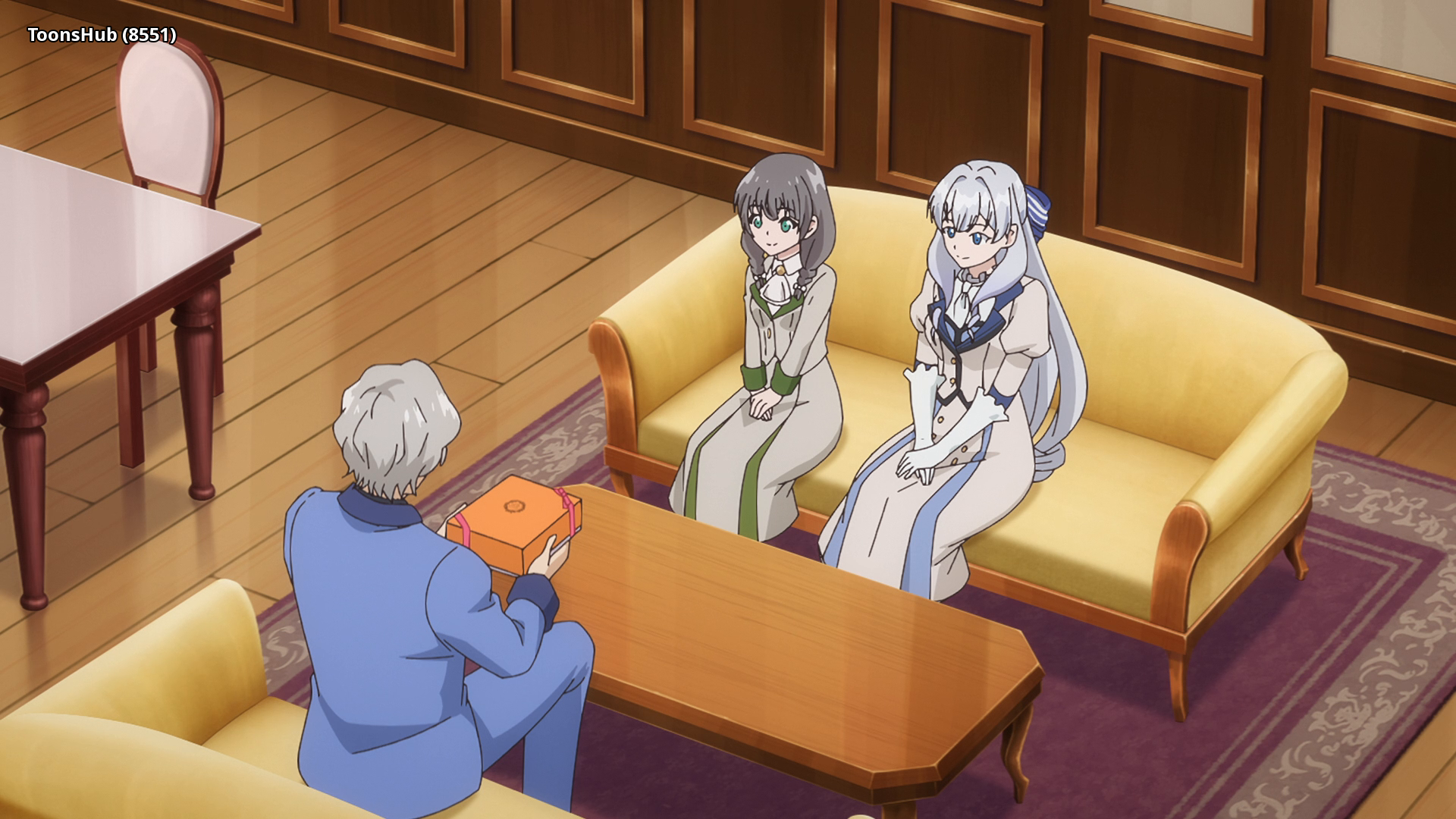 |
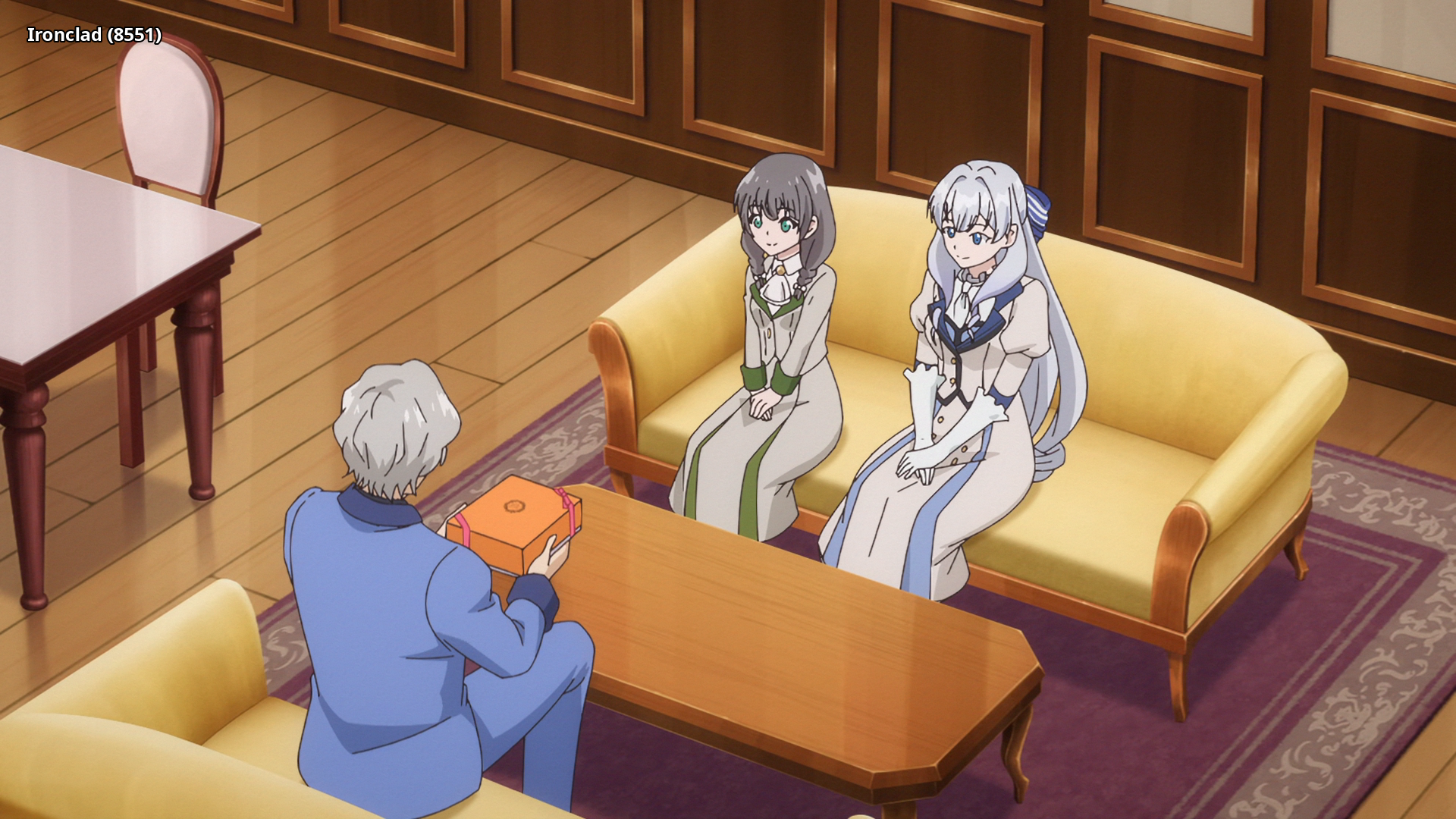 |
 |
 |
 |
 |
Interested in AV1?: Discord
Recommended players: MPV, MPC-HCLanguage Options: You can download here two scripts that do the following (Windows/macOS-Linux):
Keep Japanese: Throws out all audio tracks other than Japanese
Keep English: Throws out all audio and subtitles tracks other than English
Put all the video files into the Language Options folder and run the corresponding script. The resulting files can be found in the output folder.Note: MKVToolNix must be installed on your system and added to PATH
Comments 0
No comments at capture.